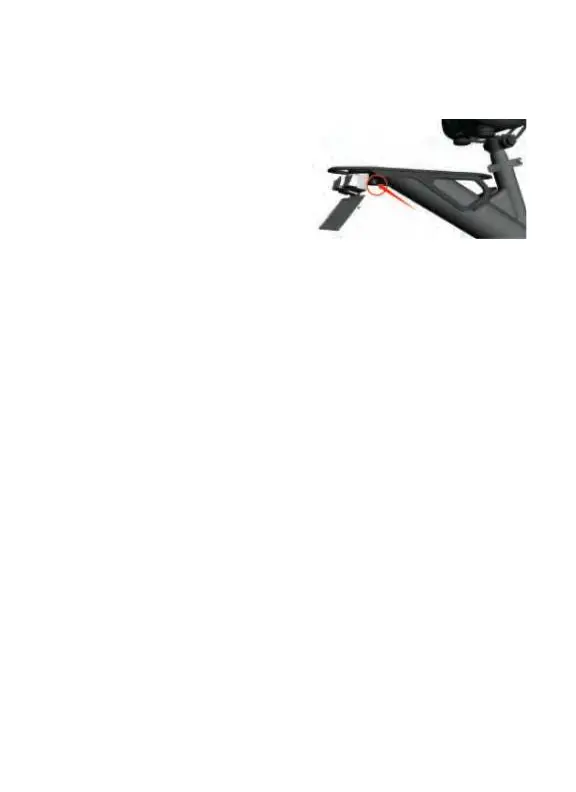
Before riding your bike, be sure to charge the battery. To do so, follow the steps
below:
1. Remove the rubber gasket covering
the charging port, and then connect the
charger.
2. Plug your charger into a suitable power
outlet.
3. The LED light on the charger turns
RED
while the battery is charging, and turns
GREEN when charging is complete.
NOTES:
--Please charge the battery for at least 5-8 hours before first using.
--To maximize the lifespan of the battery, unplug the charger once the battery is
fully charged.
--The charging port has a rubber cover. Make sure that the port is covered
after charging is complete in order to protect the port from dirt and debris.
--Make sure to charge the battery at least once per month.
--Do not power on the bike while charging the battery.
--Only use the supplied charger. Do not use the charger if it becomes
damaged. Contact the manufacturer for further support.
Charging Port
CHARGING THE BATTERY
9


 To Next Page