Installing your Tonearm and Aligning the Cartridge
• The tonearm comes pre-installed on the turntable. The only additional part you would need
to add would be the counterweight.
• The counterweight is located in the accessories pocket in the top foam insert of the
packaging.
• First, inspect counterweight collar on the tonearm and look for the slot/keyway.
• Take the counterweight and identify which side has a larger diameter opening. You would
then slide this end on the back of the tonearm with the larger side facing the front of the
turntable.
• Rotate the counterweight until the set screw at the top is at the 12:00 position.
• Using the supplied 5-64 allen wrench, tighten the setscrew to hold the counterweight on
the adjustment collar. Tighten until the counterweight cannot slide, but do not
overtighten as this might cause counterweight to bind.
• The arm should be placed in the arm rest when you are not playing a record.
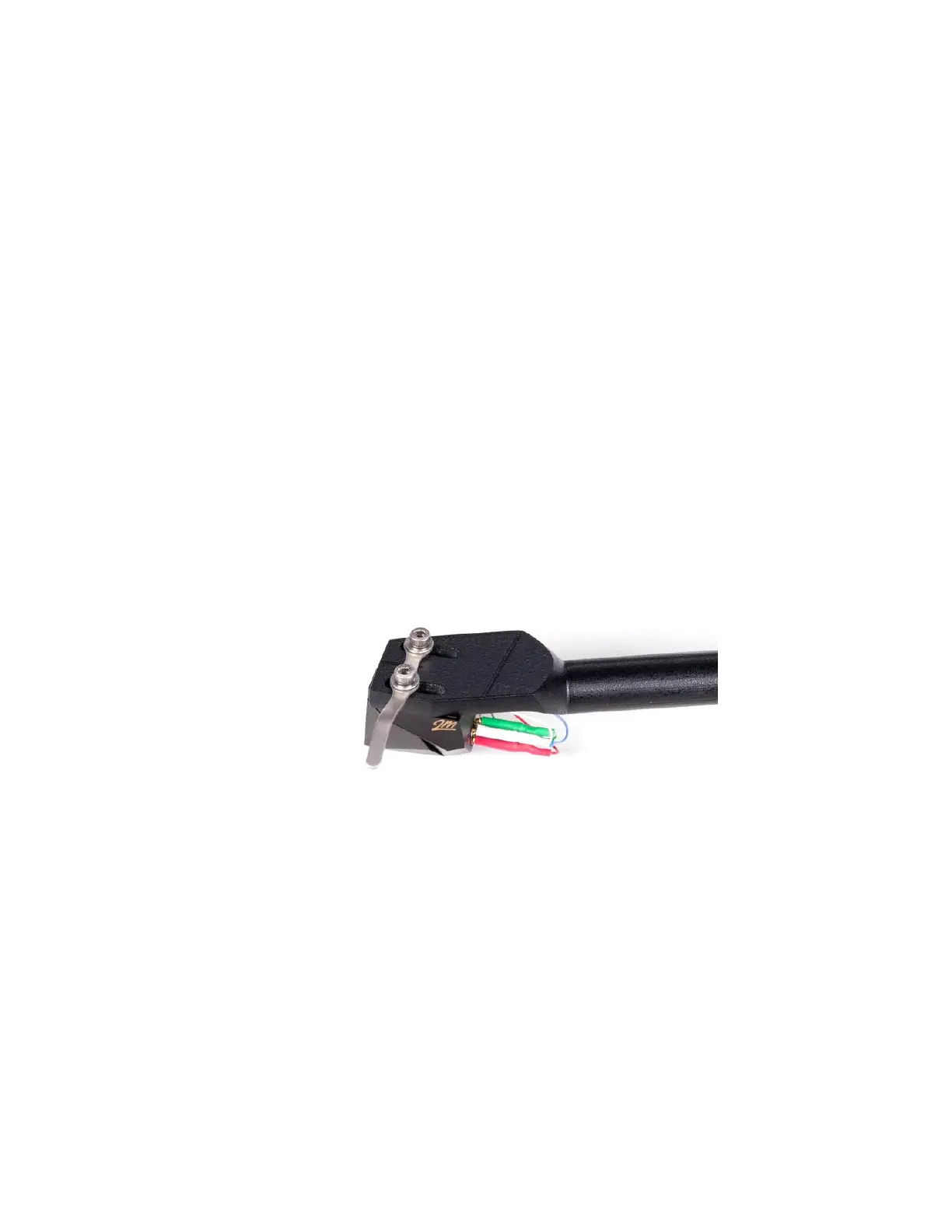
• To avoid damage to the 3D tonearm, you can use the provided washers, finger lift, or both to
be placed under the mounting screw head.
• For cartridges with pass-through mounting holes, use the hardware supplied with the
tonearm. Be sure to use washers under the screw heads.
• VPI provides 2 short and long screws for mounting your cartridge. If the provided screws do
not work with your cartridge, we recommend you use the screws provided by the cartridge
manufacturer.



 To Next Page