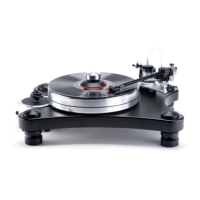
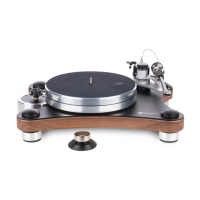
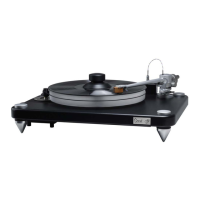
Unpacking the Box
The packaging for the HW-40 has been carefully designed to avoid shipping damage and high-
impact stress. It is important to save the packaging in the event you move or ship your turntable.
• Using a knife or scissor, carefully cut open the HW-40 Box packaging tape.
• Prepare solid surface to place the HW-40, with platter installed the table weighs over 70lbs
• Remove the following tools and items and set safely to the side:
✓ Alignment Jig
✓ Signature Center Weight
✓ Periphery Ring Clamp
✓ Counterweight
✓ Power cord
• Having a clear space ready, remove the HW-40 Chassis from the box and place it carefully on
an isolated platform.
• Remove Platter from bottom of box, place on motor hub, with power off spin platter and
verify it is properly seated on hub by observing the lower platter edge distance relative to
the top plate. There should be no relative motion.
Setting up the HW-40
• With table place on solid surface and platter installed plug supplied IEC type power cord into
115/230 VAC power source.
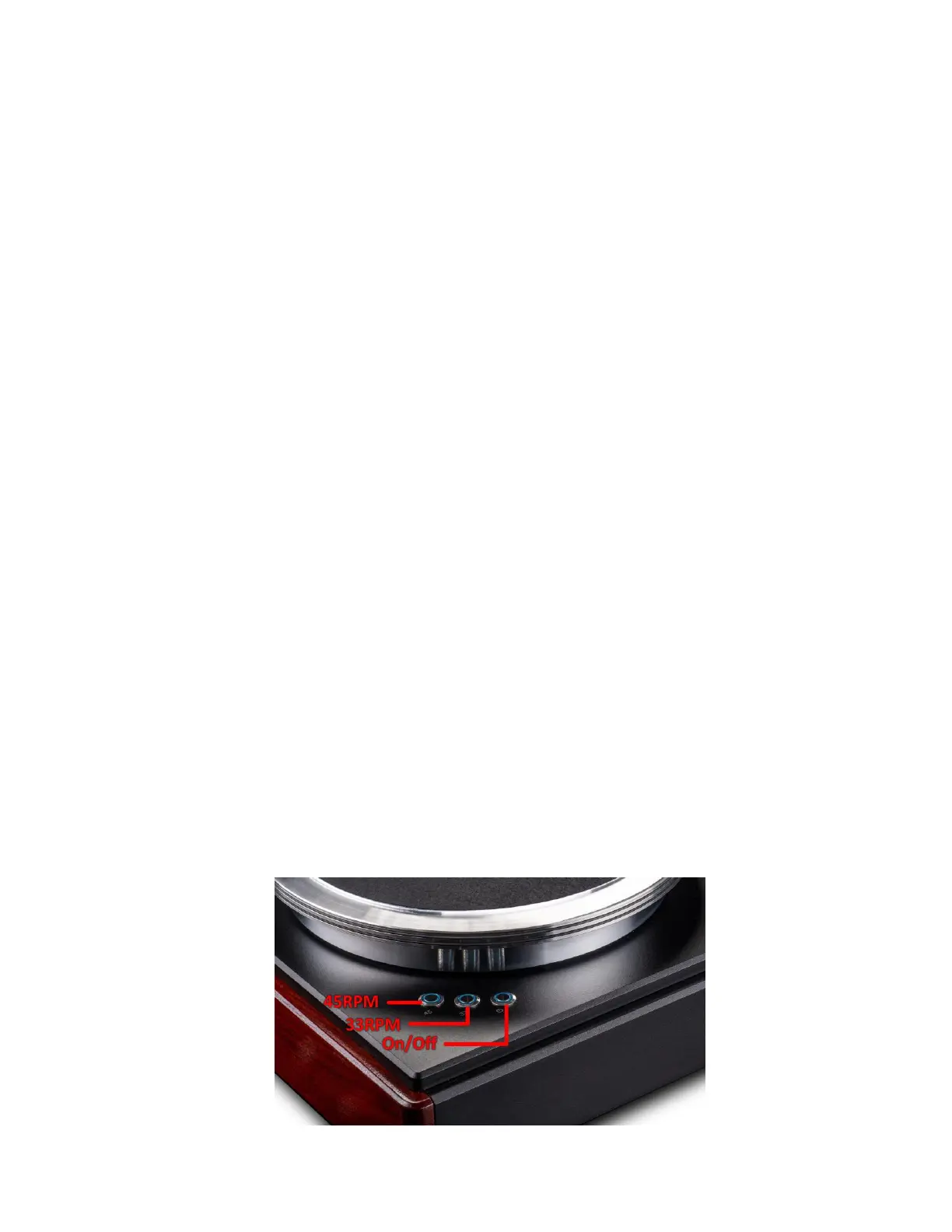
• Switch power on using switch located adjacent to the power cord on the AC input module
located on the left rear of the back panel. There is an 8 second delay before the blue ring in
the stop switch located in the left front corner of the top plate illuminates.
• Pressing either 33/45 RPM momentary switch will start the platter rotation and ramp the
platter up to speed in approximately 1 second.
• Pressing 45 RPM will change speed to 45PRM, pressing stop will decelerate the platter to a
stop in approximately 1 second.


 To Next Page