3
AC-DC ADAPTOR
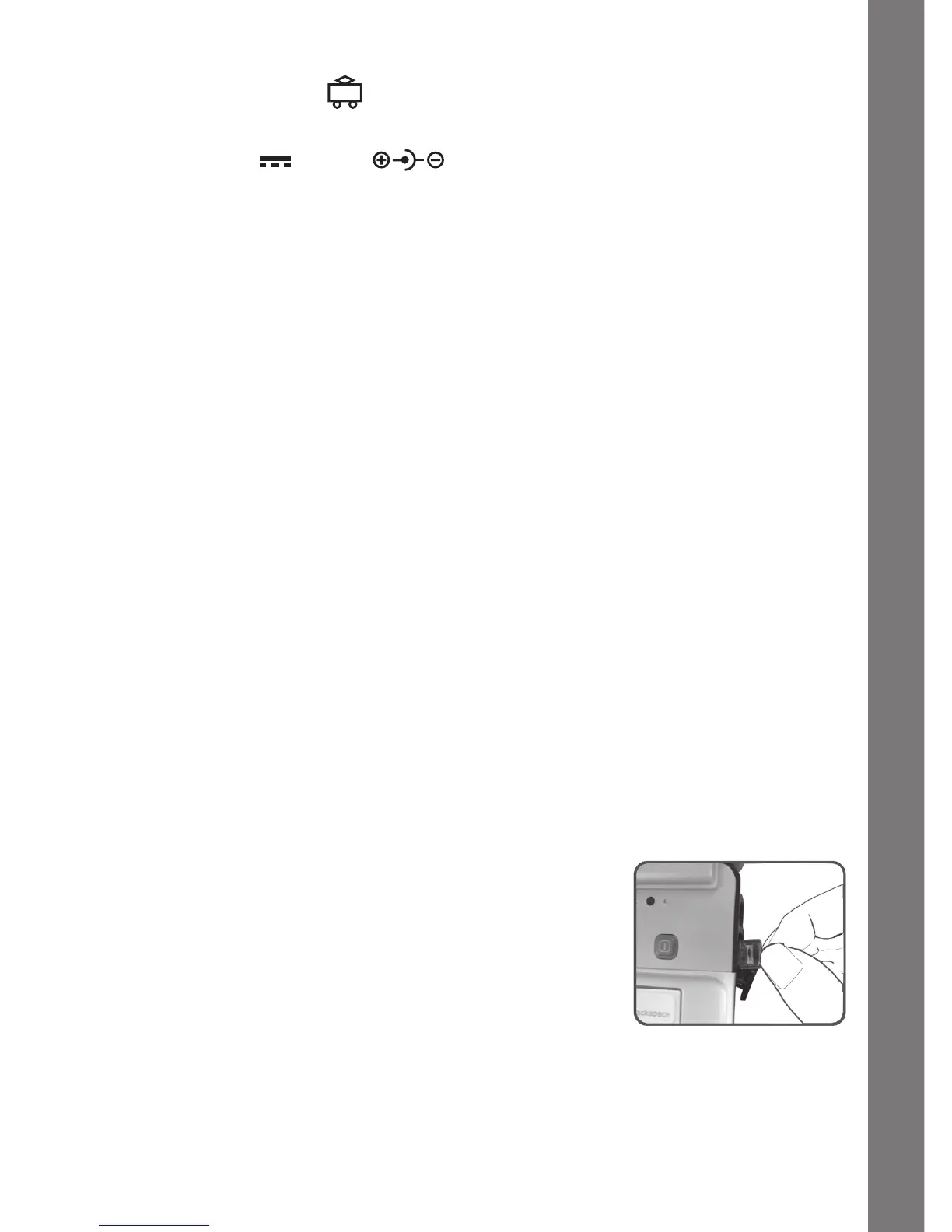
Use a VTech
®
adaptor or any other standard adaptor that complies with
EN61558 DC 9V 300mA center-positive adaptor.
CONNECTING THE ADAPTOR
1. Make sure the unit is OFF.
2. Locate the adaptor jack on the right side of the unit.
3. Insert the adaptor plug into the unit’s adaptor jack.
4. Plug the adaptor into a wall outlet.
5. Turn the unit ON.
NOTE:Whenthetoyisnotgoingtobeinuseforanextendedperiodoftime,
unplug the adaptor.
ADAPTOR NOTICE
• Thetoyisnotintendedforusebychildrenunder3yearsold.
• Onlyusetherecommendedadaptorwiththetoy.
• Theadaptorisnotatoy.
• Nevercleanaplugged-intoywithliquid.
• Neverusemorethan1adaptor.
• Donotleavetoyoradaptorpluggedinforextendedperiodsoftime.
NOTICE TO PARENTS
Regularlyexaminetheadaptor,checkingfordamagetothecord,plug,transformer
or other parts. Do not use the adaptor if there is any damage to it.
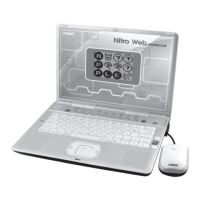
USING THE MOUSE
CONNECTING THE MOUSE
Only use a mouse that is compatible with VTech
®
products.
1. Make sure the unit is OFF.
2. Locate the mouse jack on the right side of the unit.
3. Plug the mouse into the mouse jack.
USING THE MOUSE
1. Move the mouse in the direction you want the cursor to move.
2. Click the mouse button to make a selection.
GETTING STARTED








 To Next Page