7
VOLUME and CONTRAST CONTROL
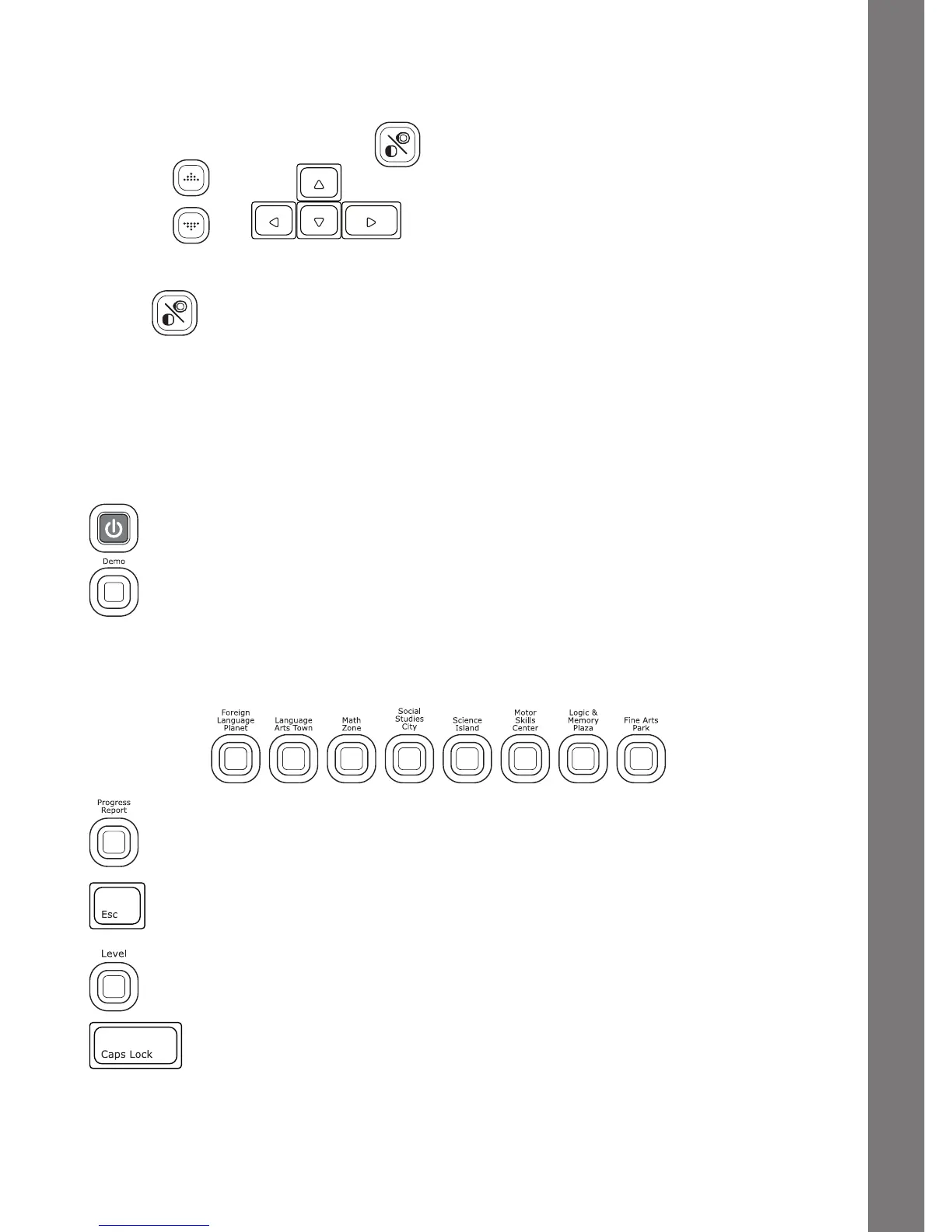
To adjust the volume, press and a pop-up screen will appear. Use the
mouse, or to move the cursor to the right for higher
volume and to the left for lower volume.
Press again to adjust the screen contrast by the same method.
KEYBOARD LAYOUT
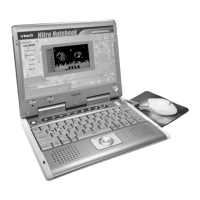
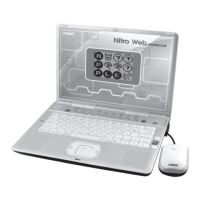
Your VTech
®
Nitro Web Notebook
™
has a full QWERTY keyboard that doubles
asamusickeyboard.Youwillalsondthefollowingfunctionkeys:
FUNCTION KEYS
On/Off: Press this button to turn the unit on and off.
Demo: Press this button to see the Demo movie.
8 Category Buttons: Press one of the above buttons to jump to the sub menu
of the chosen category.
Progress Report: Press this button to review your progress.
Esc:Pressthiskeytogobacktothepreviousscreenorexitthe
current activity.
Level:Pressthiskeytoselectanactivity’slevelofdifculty.
Caps Lock: Press this key to type capital letters. Press once to
turn Caps Lock on, press it again to type lowercase letters. The
LED light on the left will light up when it is on.
PRODUCT FEATURES









 To Next Page