2
Overview
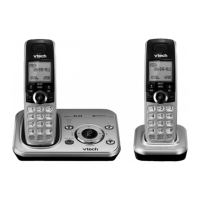
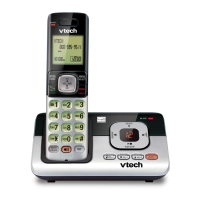
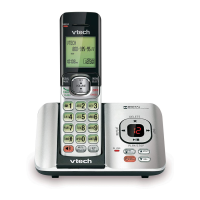
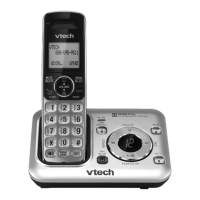
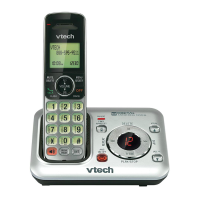
Telephone base overview
1 – IN USE light
• Flashes when there is an incoming call,
or another telephone sharing the same
line is in use.
• On when the telephone is in use, or the
answering system is answering a call.
2 – VOL+/VOL-
• Adjust the listening volume.
• Adjust the telephone base ringer
volume.
3 – X/DELETE
• Delete the playing message.
• Press twice to delete all old messages.
– /SKIP
• Skip to the next message.
– /PLAY/STOP
• Play messages.
• Stop playing messages.
– /REPEAT
• Repeat a message.
• Press twice to play the previous
message.
4 – Message window
5 – ANS ON
• Turn on or off the answering system.
6 – FIND HS
• Page all system handsets.
7 – Charging pole
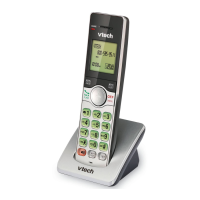
Handset overview
1 – LCD display
2 – VOL /
• Review the phonebook when the
phone is not in use.
• Scroll up while in a menu, or in the
phonebook, caller ID log or redial list.
• Move the cursor to the right when
entering numbers or names.
• Increase the listening volume during a
call or message playback.
3 – MENU/SELECT
• Show the menu.
• While in a menu, press to select an item,
or save an entry or setting.
4 – OFF/CANCEL
• Hang up a call.
• Return to the previous menu or idle
mode without making changes.
• Delete digits while predialing.
• Silence the handset ringer temporarily
while the phone is ringing.
• Erase the missed call indicator while the
handset is not in use.
5 – #
• Show other dialing options when
reviewing a caller ID log entry.
6 – REDIAL/PAUSE
• Review the redial list.


 To Next Page