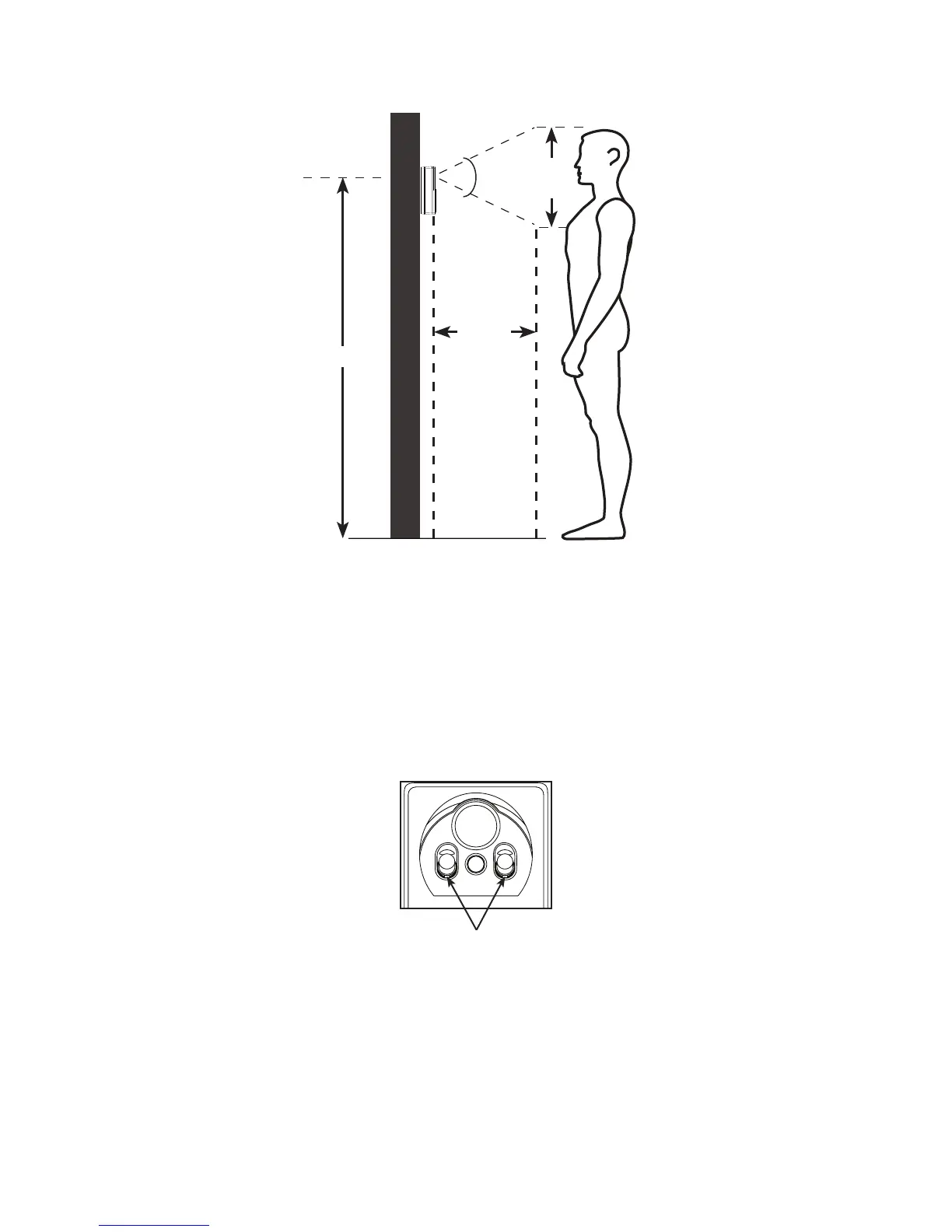
6
18
inches
50 degrees
63 inches
20
inches
Shooting area
Avoid mounting it to where it is exposed to direct sunlight.
Avoid mounting it to where reections may be caused by
sunlight, for example, opposite to a white wall.
Avoid placing other cordless devices near the doorbell.
They may cause interference.
Two built-in infrared LEDs are for night vision. Make sure the
surrounding light source is sufcient for infrared operation.
Test at the front door to determine when the infrared LEDs
turn on. When they are in operation, they turn red.
•
•
•
•
When you check for the desirable location to install the doorbell:
Make sure the visitor is standing in a reasonable distance
away from the doorbell.
•
Infrared LEDs



 To Next Page