10
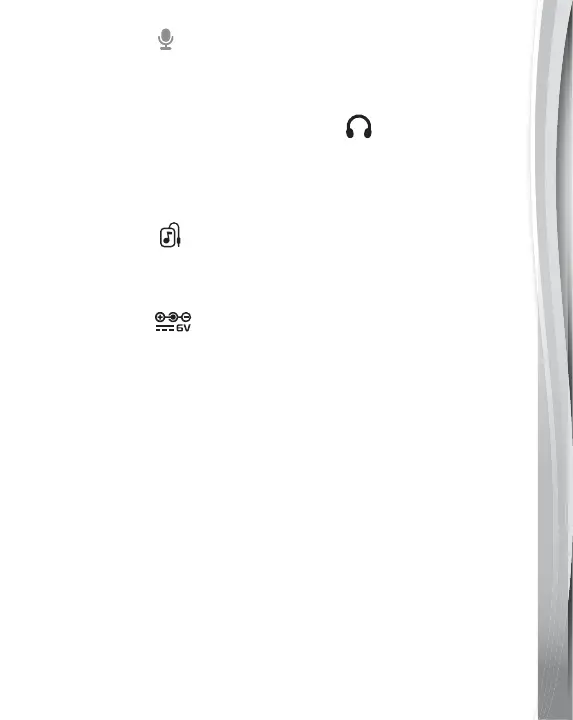
4. Microphone
Use the Microphone to record your own drum sounds and jam
with the music.
5. Audio-out Jack (Headphone Jack)
Use an audio cable (not included) to connect the unit to other
audio devices. For silent play, connect the unit to headphones
(not included).
6. Line-in Jack
Connect an external music player to the Line-in Jack using a
3.5mm cable (cable and music player are not included).
7. AC Adapter
Connect the unit to AC power (adapter is not included).
8. Automatic Shut Off
To preserve battery life, the unit will automatically power Off after
several minutes without input. The unit can be turned On again
by pressing the Power Button.
If the unit repeatedly shuts Off or has abnormal responses,
please insert new batteries and try again.


 To Next Page