15
13. Bluetooth
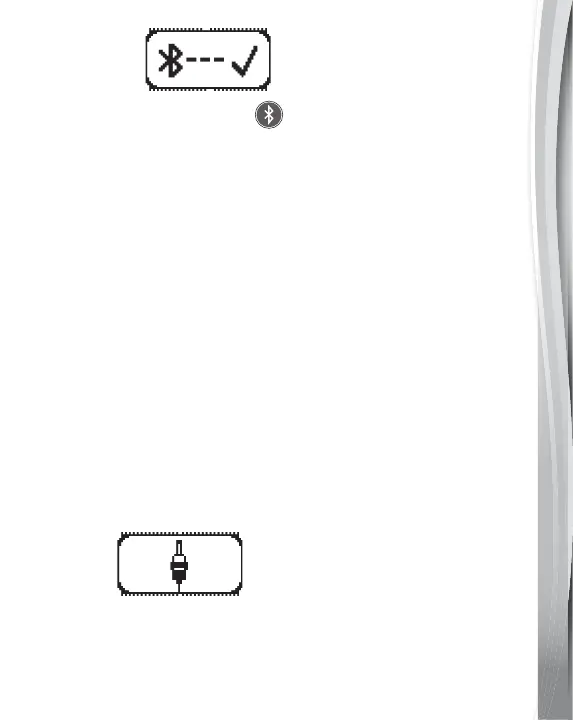
Press the Bluetooth Button to connect to a nearby device via
Bluetooth connection. When the Drum Pad is pairing, the Bluetooth
light will flash. When the Drum Pad is successfully connected with a
device, the Bluetooth light will remain On. Please be noted that the
recording function is not available when the Bluetooth is connecting.
Bluetooth Connection
1. Press the Bluetooth Button then the Bluetooth Button will light
up and flash.
2. Enter the Bluetooth interface of your device and search for
Bluetooth devices.
3. Select “VTech 5726 Drums” when you see it displayed on your device.
4. Enter the PIN number from the Kidi Star
TM
Drum Pad’s display
screen on the device.
5. While in Bluetooth mode, the Bluetooth Button light will remain On.
6. To exit Bluetooth mode, press the Bluetooth Button again.
7. The drum pad will automatically search and connect to the last
Bluetooth device that it was connected to before. You do not
need to repeat this process the next time you want to use the
same device.
14.Line-in
You can line in external music players through your Kidi Star
TM
Drum Pad and drum along. Connect an external music device
with a 3.5mm cable (not included). The Bluetooth function will
be disconnected when the line-in is connected. The recording
function is not available while the line-in is connected.


 To Next Page