13
8. Drum Recording
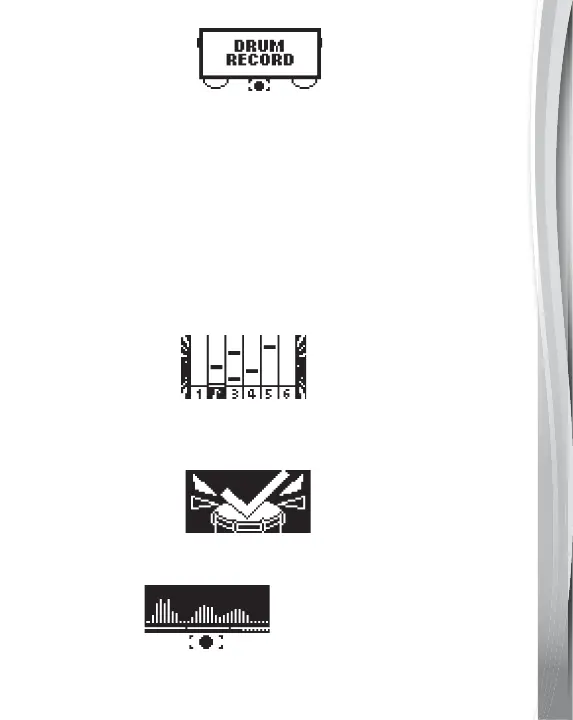
Record your drum sessions in Free Play mode, or as you play
along with a song or track, by pressing the Record Button.
Then, you can press the Music Tracks Button, Songs Button
or the Coach Button and play along with the melody, song or
drum beat. Use the Left or Right Buttons to change the music.
Recording will stop after a few seconds or if you press the
Record Button again or switch to a different play mode. Press
the Replay Button to listen to your recording, rock out to your
jams, and track your improvement.
9. Games
Press the Game Button to choose from three drum games:
• Beat Challenge
The music bars will fall from the top of the screen to the bottom.
Hit the corresponding Pads when the music bar reaches the
bottom line. Let’s see how high you can score!
• Chase the Light
The Pads will light up with different colors. Hit the pads as they
light up to create a beat.
• Voice Jam
Press the OK Button to record your voice. The Kidi Star
TM
Drum
Pad will create a jam by mixing your voice with a beat.


 To Next Page