7
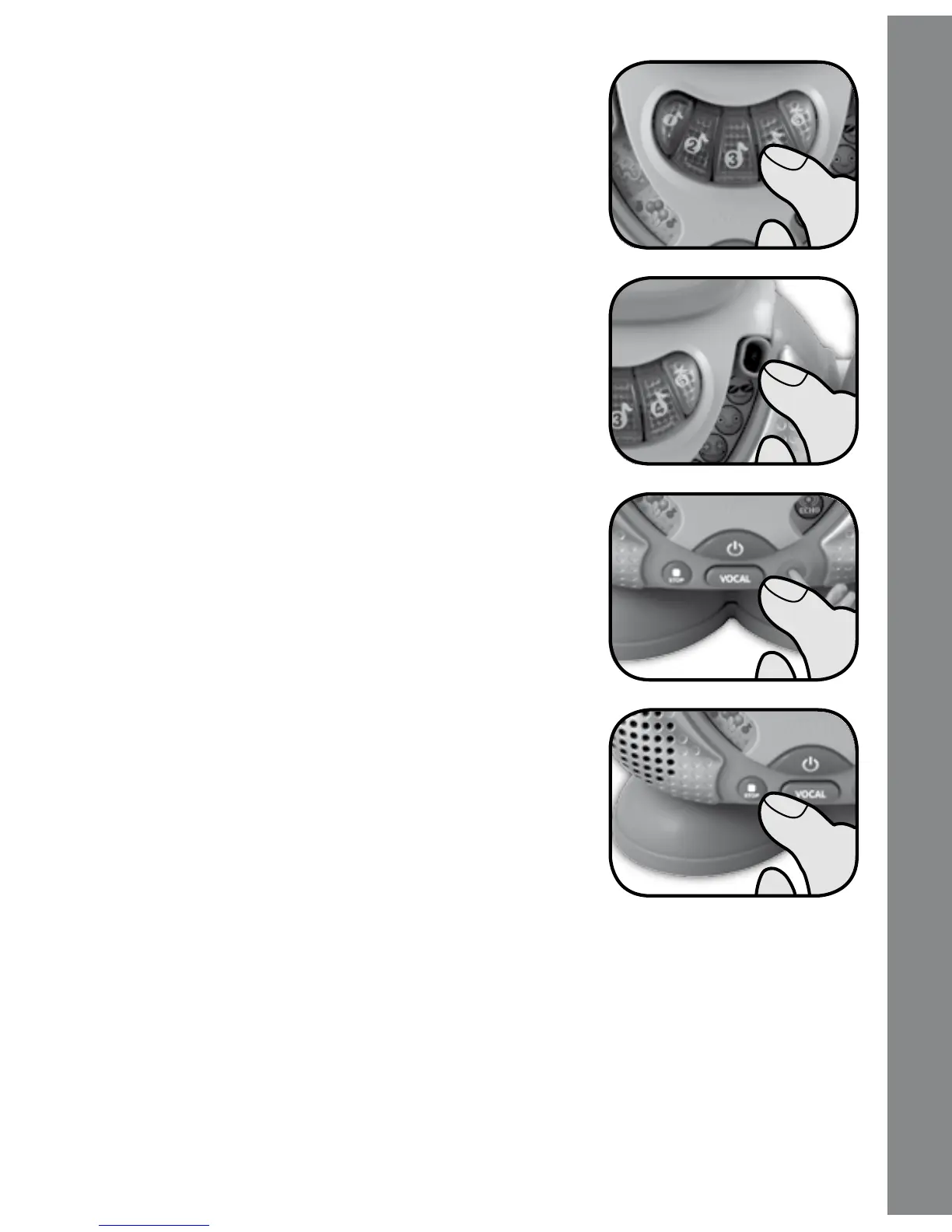
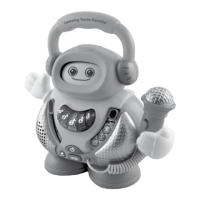
2. Press one of the light-up music note
buttons to choose a song.
3. Slide the voice changer selector to choose
one of the microphone effects. There are five
different effects to choose from, normal voice,
man voice, kid voice, robot voice and echo
voice.
4. Press the vocal button to turn off the
singing in the song that is playing. Press the
button again to turn the singing back on.
5. Press the stop button while a song is
playing to stop the song.
Sung Song Lyrics
Letter songs
1. Alphabet Song
A - B - C - D - E - F - G,
H - I - J - K - L - M - N - O - P,
Q - R - S, T - U - V,
Activities



 To Next Page