6
Product Features
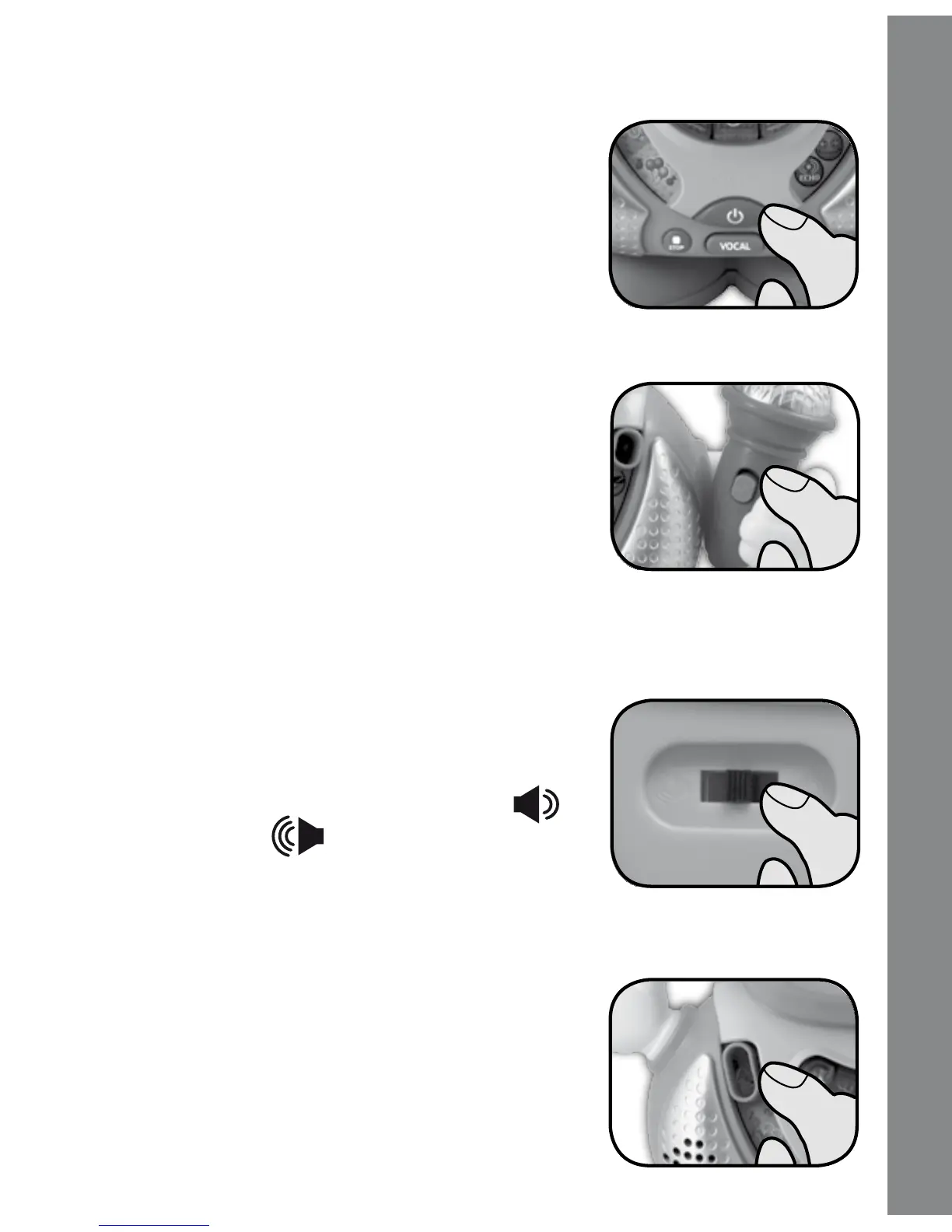
1. ON/OFF BUTTON
Press the ON/OFF BUTTON to turn the unit
on. Press it again to turn the unit off.
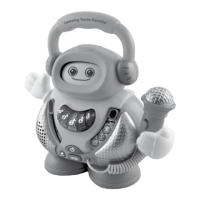
2. MICROPHONE
Slide the MICROPHONE ON/OFF SWITCH
to turn the MICROPHONE on and sing-along
with the music.
The MICROPHONE only works when a song
is playing. If you hear high frequency noise
coming from the unit, move the MICROPHONE
further away from the unit.
3. VOLUME CONTROL SWITCH
To adjust the volume, slide the VOLUME
CONTROL SWITCH on the back of the unit.
Three volumes to choose from, low ( ),
medium and high ( ).
ACTIVITIES
1. Slide the mode selector to choose letter
songs, number songs or fun songs. There
are five different songs in each of the three
modes.
Product Features



 To Next Page