7
14. AUTOMATIC SHUT-OFF
To preserve battery life,
t h e
V Te c h
®
L i g h t n i n g
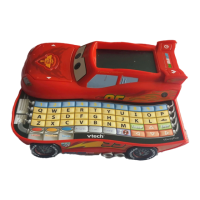
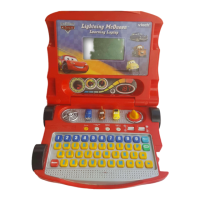
McQueen™ Learning Laptop
will automatically turn off after
several minutes without input.
The unit can be turned on
again by switching the On/Off
Switch to Off, then to On again.
The unit will also auto power off when battery power is low, with a
reminding low voltage battery warning picture.
TO BEGIN PLAY
• Turn the On/Off Switch to On. The unit will play a short animation
and ask you to choose a category.
• Press a category button and use the Arrow Buttons to scroll
between the activities. Press the Enter Button to choose an activity.
Alternatively press one of the Character Buttons to play a mini
game.
ACTIVITIES
LANGUAGE LAB
There are 4 activities in this category that cover vowels, letter order
and spelling.
1) Vowel Racer
Help McQueen drive around
Radiator Springs. A word is given
with a missing vowel. Use the
Left/
Right Arrow Buttons to select the
correct vowel and press the
Enter
Button to answer. Alternatively
press the Letter Buttons to answer directly.
Activities







 To Next Page