3
STEP 2: Select the Cartridge Icon
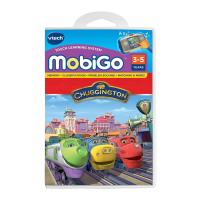
Touch the cartridge icon on the MobiGo
®
main menu.
STEP 3: Choose How You Want to Play
Touch Wings Around the Globe to compete in the Wings Around the
Globe Rally, or touch Free Play to play a mini game.
USING YOUR MOBIGO
®
Buttons
Directional Pad and Enter Button
Use these to control the characters or to perform certain
actions in some games.
Exit Button
During a game, press this button to exit the game, or press
it within a menu to go back to the previous screen.
Help Button
Press this button when you need help in a game.
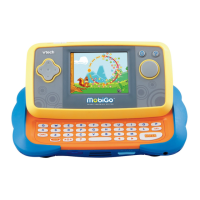
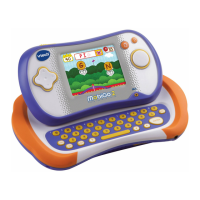
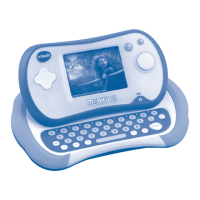
QWERTY Keyboard
Slide the screen up to reveal the keyboard. Use it to enter your name in
the user prole or to give the answers in some letter-related games.
USING YOUR MOBIGO
®



 To Next Page