5
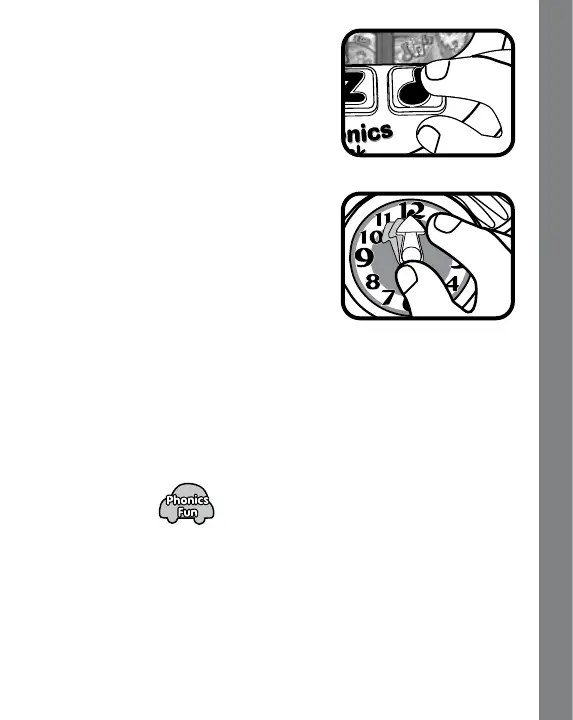
4. LIGHT-UP MUSIC BUTTON
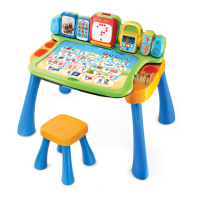
Press the LIGHT-UP MUSIC BUTTON
to hear the sung song “The Wheels on
the Bus”.
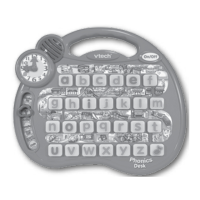
5. MOVABLE CLOCK HAND
Move the clock hand to hear the
corresponding time and a related
phrase. In Clock Quiz, move the clock
hand to answer the questions.
6. AUTOMATIC SHUT-OFF
To preserve battery life, the VTech
®
Phonics Desk will
automatically turn off after several minutes without input. The unit
can be turned on again by pressing the ON/OFF BUTTON.
ACTIVITIES
1. Phonics Fun
Slide the ACTIVITY SELECTOR to the first position to enter this
activity.
Press the LETTER BUTTONS to hear the letter and its sound
identified followed by a related word, fun phrase and sound effect.
Product Features





 To Next Page