5
PRODUCT FEATURES
1. ON/OFF/VOLUME CONTROL SWITCH
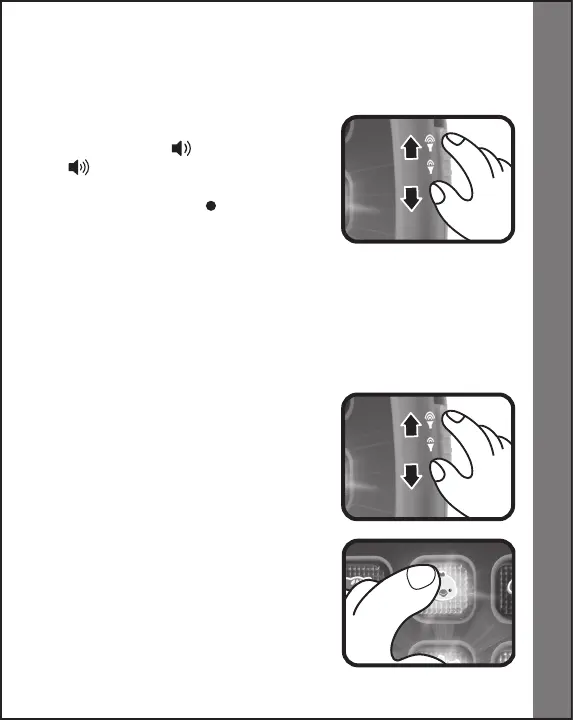
To turn the unit ON, slide the ON/OFF/
VOLUME CONTROL SWITCH to the
LOW VOLUME ( ) or HIGH VOLUME
( ) position. To turn the unit OFF,
slide the ON/OFF/VOLUME CONTROL
SWITCH to the OFF ( ) position.
2. AUTOMATIC SHUT-OFF
To preserve battery life, the VTech
®
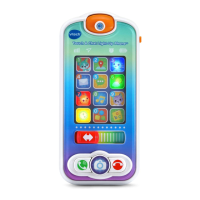
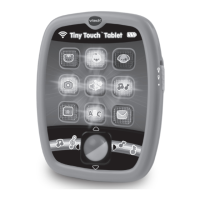
Tiny Touch
TM
Tablet will
automatically power-down after approximately 60 seconds without
input. The unit can be turned on again by pressing any button.
Rolling the roller ball will not turn the unit back on.
ACTIVITIES
1. Slide the on/off/volume control switch
to turn the unit on. You will hear a sing-
along song and a playful phrase. The
lights will flash with the sound.
2. Press the animal buttons to learn
animal names, colors and sounds. The
lights will flash with the sound.
Product Features/Activities



 To Next Page