8
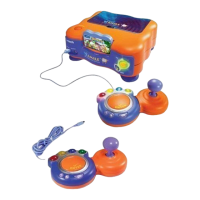
The V.SMILE™
power light is
ON, but there
is no picture (or
incorrect picture)
on the TV, and
pressing the OFF
Button has no
response.
1. Program need to
be reset.
1.1 Remove the
Smartridge™ and
then re-insert it.
1.2 Disconnect all power supplies
(batteries and adaptor), and then
reconnect power supplies.
The TV picture is
black and white.
1. Non-matching
color system.
1. Make sure the TV is set to the
correct TV system. (E.g. NTSC
or auto).
2. Cable connection
problem.
2. Make sure that the video cable
isrmlyconnectedtothevideo
input of the TV.
There is a picture
on the TV, but no
sound.
1. TV setting. 1. Raise the volume of the TV, and
make sure it is not set to “Mute.”
2. Cable connection
problem.
2. Make sure that the white and/or
redplugisrmlyconnectedto
the audio input of the TV.
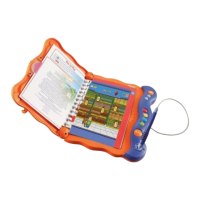
The V.SMILE
SmartBook™
does not work.
1. No battery or
battery power is
used out.
1.1. Make sure the batteries are
correctly installed.
1.2. Install a new set of batteries if
the problem persists.
2. Improper
V.SMILE
SmartBook™
connection.
2. Make sure that the
V.SMILE
SmartBook™isrmly
connected to the PLAYER 1 port.
3. V.SMILE
SmartBook™
was reconnected
after program
start.
3. Turn the V.SMILE™ unit OFF
and then ON again.
TROUBLESHOOTING



 To Next Page