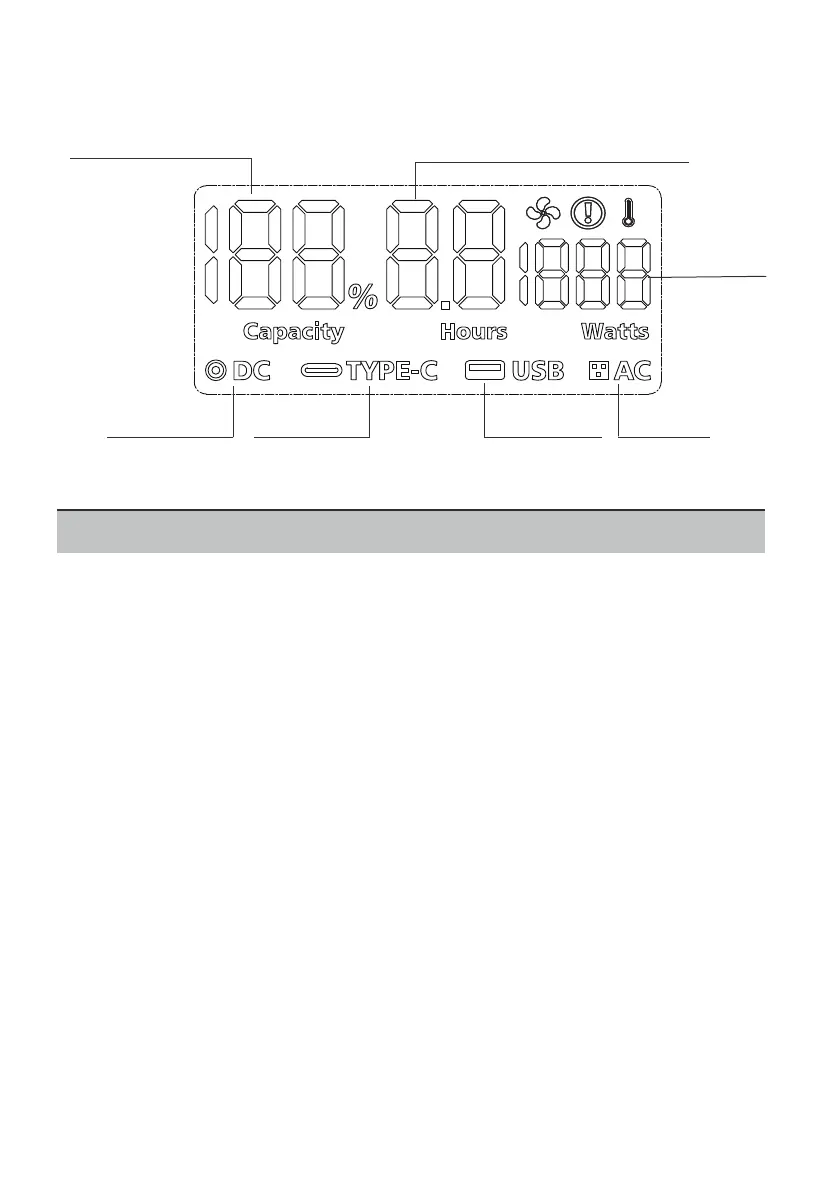
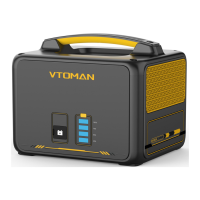
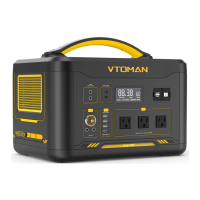
3.2 LCD Screen Introduction
4. Product Operating Instructions
4.1 Power & Function On/Off
1.Power On: Short press any button to power on the product and
enter the standby state, the LCD Screen will light up and the battery
level indicator icon will display.
2.Power Off: Turn off all outputs manually, then the product enters
the standby state and will shut down after 30 minutes.
3.AC Output On/Off: Short press the AC Button to use the AC
output; Short press the AC Button again to turn if off.
4.DC Output On/Off: Short press the DC Button to use the 12V DC
output; Short press the DC Button again to turn if off.
5.USB-A & Type-C On/Off: Short press the USB Button to use the
USB-A & Type-C output; Short press the USB Button again to turn if
off.
4.2 Recharge Methods & Recharge Time
Recharge Methods
Remaining Charge/Discharge Time
Remaining Battery Percentage
AC Output
TYPE-C Output
12V DC Output USB-A Output
Input/Output
Power
4


 To Next Page