Connecting Cable
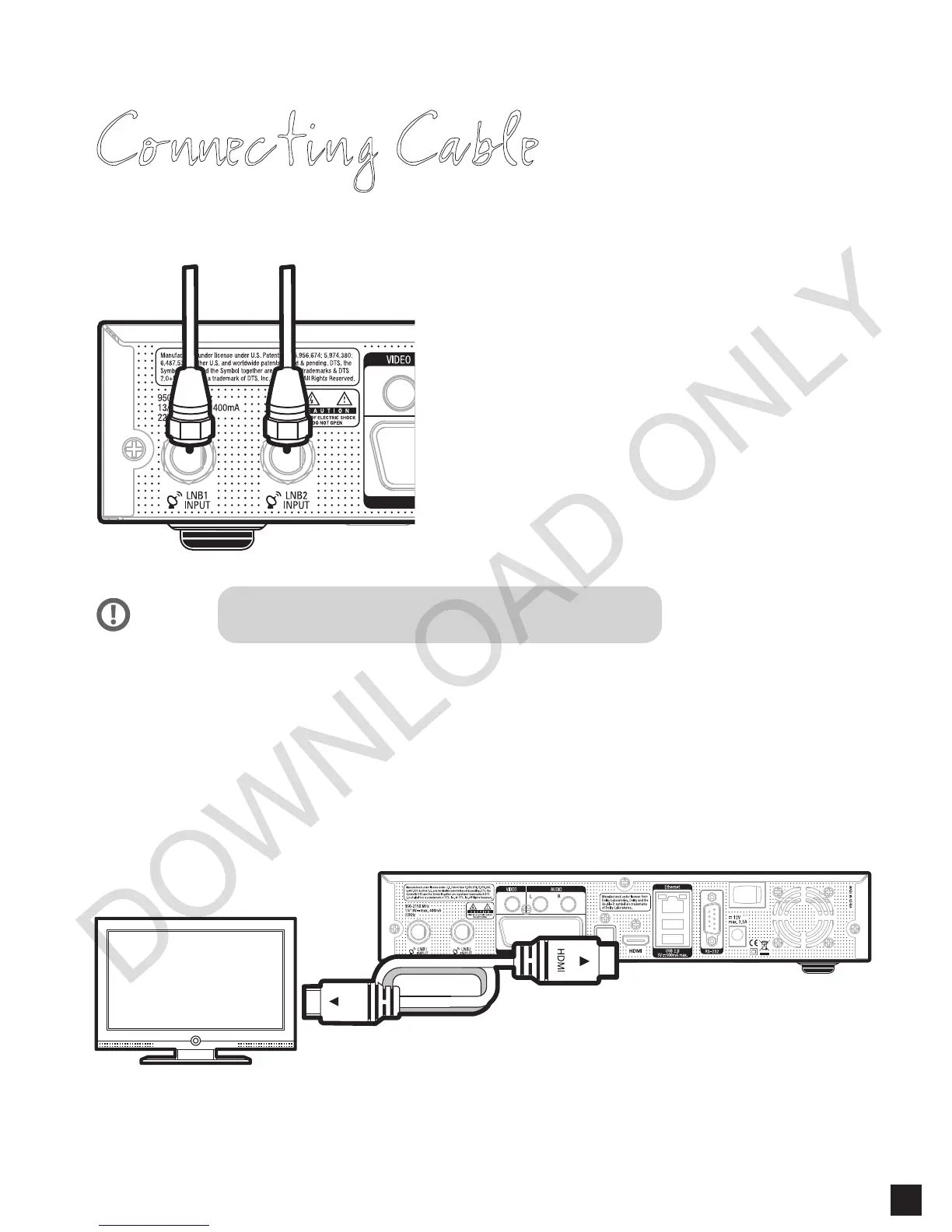
1. Connect Satellite Signal Cable
to SOLO2
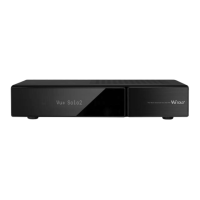
Vu+ SOLO2 is DVB-S2 Twin Tuner PVR.
For the best use of SOLO2, connect two separate satellite
cables to LNB 1 & 2.
2. Connect SOLO2 to the TV
One HDMI cable is included in the accessory box. Connect one end of the cable to the HDMI input
of TV. Connect the other end to the HDMI output of SOLO2.
If using one signal cable, use LNB2 input.
NOTE
5


 To Next Page