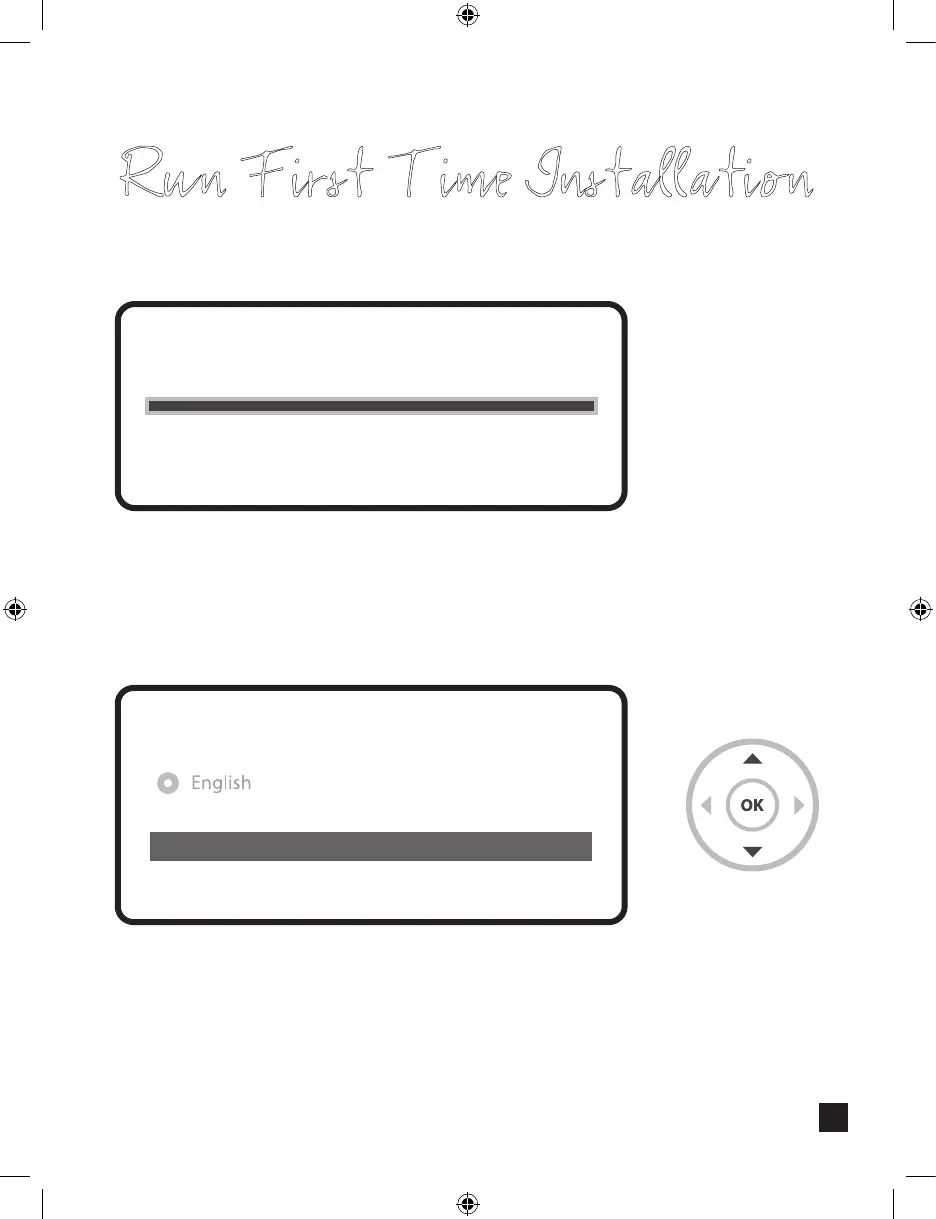
Run First Time Installation
Press OK to initiate the channel scan.
• Channel Scanning
The scanned channels will be displayed if the previous congurations
have been done correctly.
scan done! 2 services found!
ANIXE HD
ASTRA HD+
Service Scan
Step 6. Install Default Service List
Please choose the default services lists you want to install.
Astra(19.2E)
Hotbird(13.0E)
no
no
Step 7. Parental Control Option
Here you can choose whether to enable the parental control option. If you press OK,
you will be asked to enter PIN number.
New PIN
Reenter new PIN
****
****
Change pin code
Do you want to enable the parental control feature
on your STB?
No
Yes
You need to set a PIN code and hide it from your children.
Do you want to set the pin now?
No
Yes
1212



 To Next Page