Connecting Cable
3. Power Up
A power cord and an adapter are provided in the accessory box.
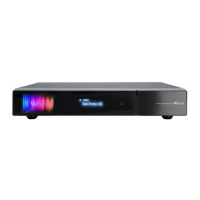
Plug the round end of the adapter power cord into the power input of ZERO 4K.
DC input condition
• 12V 2A
NOTE
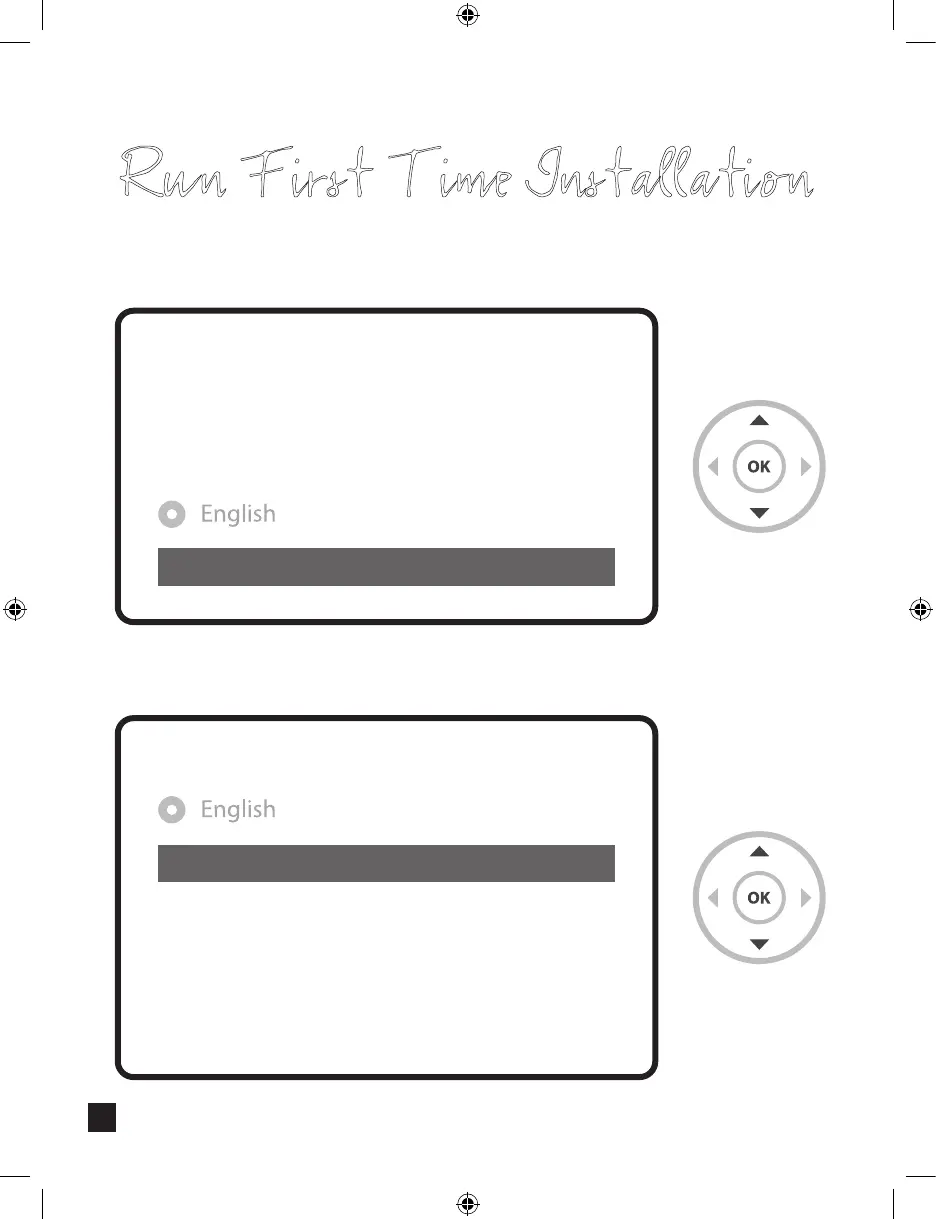
Run First Time Installation
Step 1. Video Input Selection
HDMI
Video input selection
Please press OK if you can see this page on your TV or
select a dierent input port.
The next input port will be automatically probed in 20 seconds.
Step 2. Video Mode Selection
720p
1080i
1080p
2160p
576p
480p
576i
Video mode selection
77


 To Next Page