FILM SCANNER
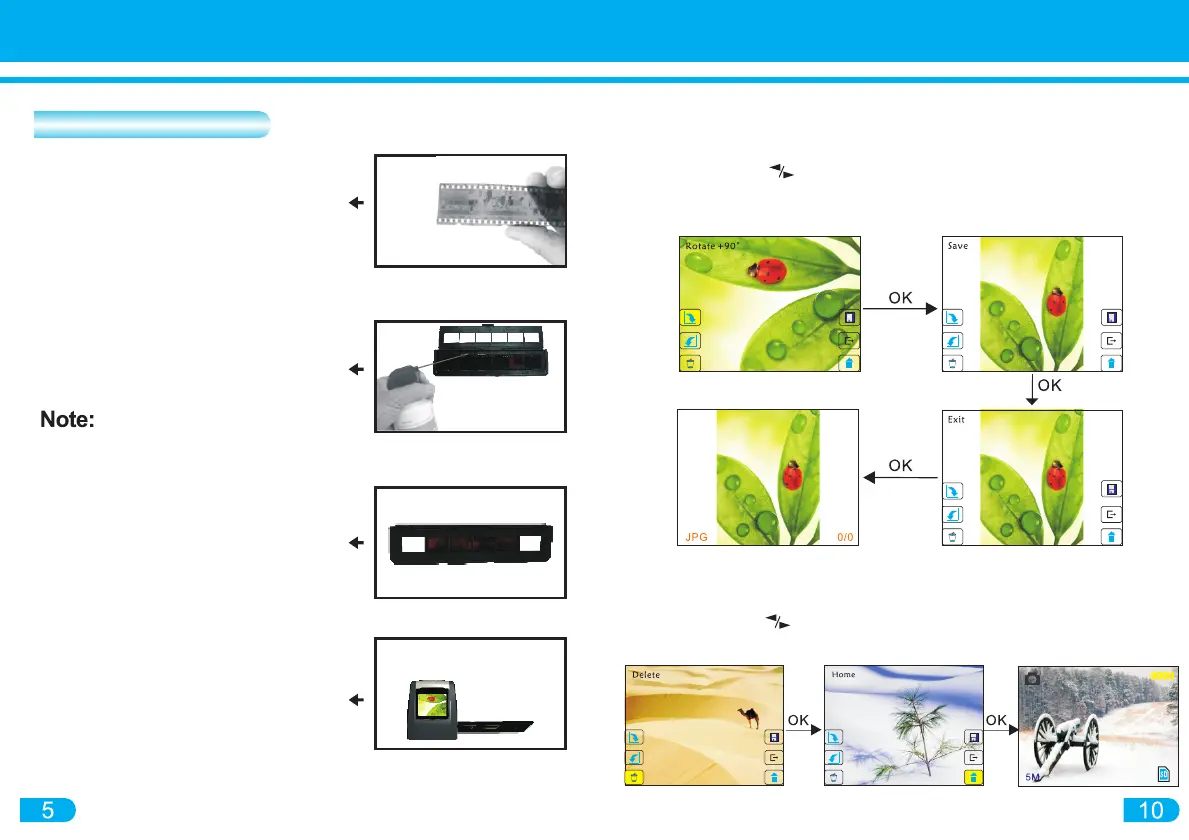
1) In PLAYBACK mode press the MENU button for the Subordinate Menu
2) Navigate with the buttons to ROTATE feature.
3) Press SCAN/OK button to rotate image
4) To save image after rotation, navigate to SAVE. Press SCAN/OK to confirm
Delete and Return to Capture mode
1) To delete image in the PLAYBACK screen enter into the Subordinate Menu
2) Navigate with the buttons to DELETE
3) Press SCAN/OK to confirm. Navigate to HOME to return to CAPTURE mode
Hold the negative film strip toward
the light. Images on the negative
should be upright.
Open the Negative Holder with
"Open"indicator marked on the latch
of the holder. Place the negative
in the holder aligning with the
notches in the holder
Handle slides with care. Any
dust, scratches or fingerprints will
display on the saved images
Close the Negative Holder and
press the edges shut so that it
locks in place
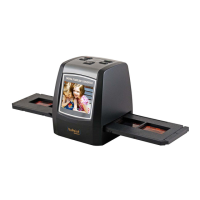
Insert the Negative Holder into the
slot on the right of the converter.
Image will appear on the Display
Screen


 To Next Page