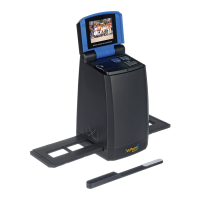
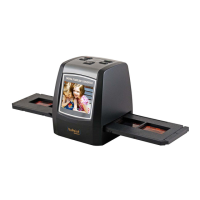
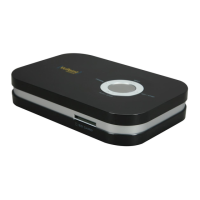
Need help?
Do you have a question about the VuPoint FC-D680-VP and is the answer not in the manual?
General safety guidelines and warnings for using the scanner and handling materials.
Step-by-step guide for inserting slides into the holder.
Step-by-step guide for inserting negatives into the holder.
Overview of the main menu options for negative scanning.
Overview of the main menu options for picture scanning.
Steps to capture a picture using the device.
How to select scanning modes and adjust image orientation.
 General
| Exposure Control | Automatic |
|---|---|
| Interface | USB 2.0 |
| Power Source | USB powered |
| Weight | 9.5 oz |
| Media Type Supported | Film |
| Image Sensor | CMOS |
| Focus | Fixed |
| Light Source | LED |
| Dimensions | 4.05 x 3.46 x 4.09 in |
| Scanning Area | 36mm x 24mm (for 35mm film) |
| Supported OS | Windows XP / Vista / 7 / 8 / 10, Mac OS 10.5 or later |
| Input Compatibility | 35mm Negatives, 35mm Slides, 135 Film, 110 Film, 126 Film, Super 8 Film |

 To Next Page