13
12
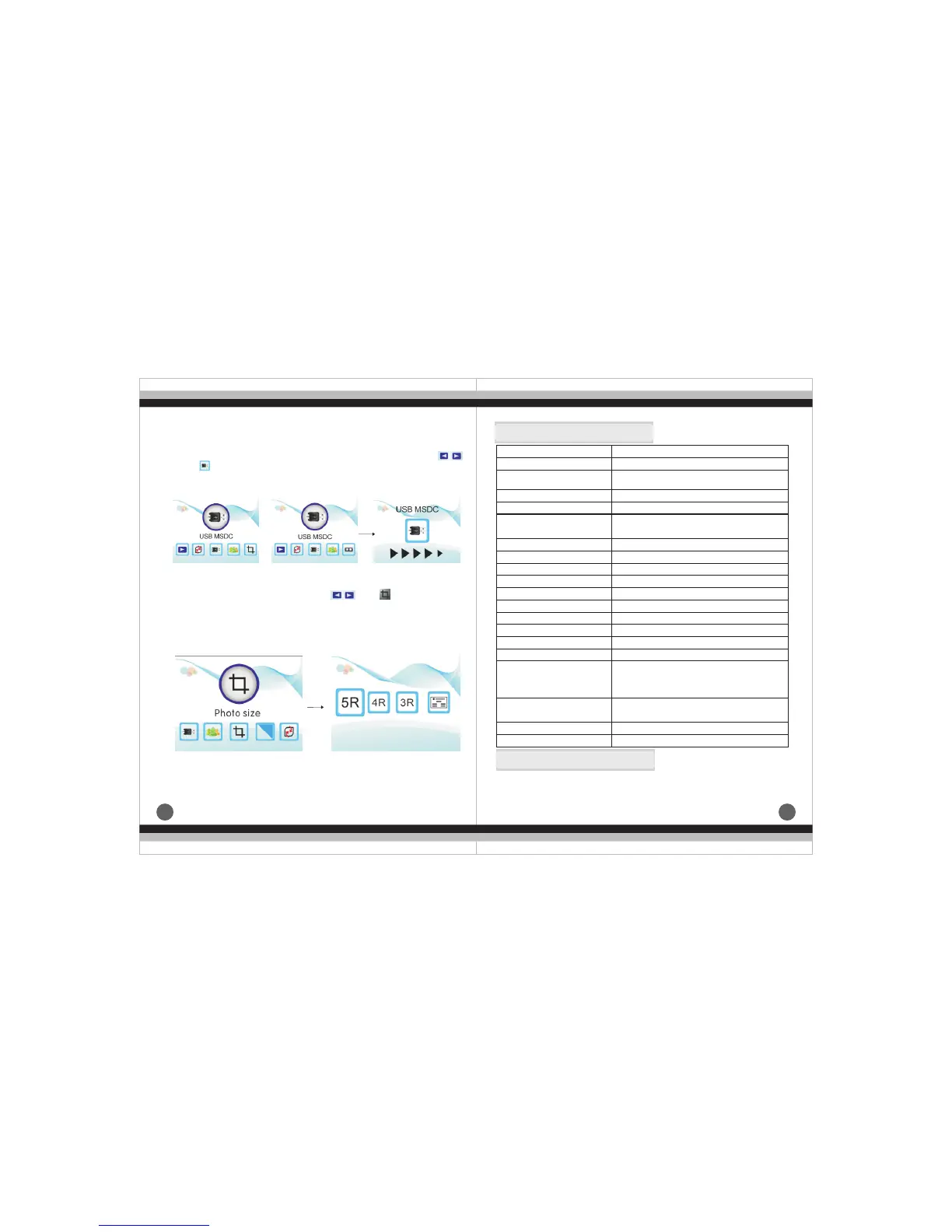
(8)、The main menu of negative film and picture how to enter USB
MSDC
Under the negative film and picture main menu mode,press ,
until ,press ENTER into USB MSDC,you can view and edit the
scanned picture in the computer after successful connecting.
(9)、How to choose picture size under the main menu mode
Under the main menu mode,press ,
ENTER into cutting mode, you can choose correspoding size
to cut picture:5R(5 "* 7 ) ,4R(4" *6) ,3R(3.5"*5) and name card.
until ,press
Windows XP/ Vista/
Windows 7/ Windows 8/
Mac10.7.3
Enter
Enter
or
7.
Product Specification
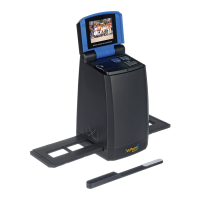
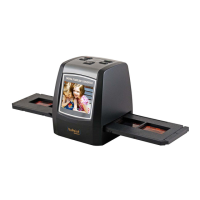
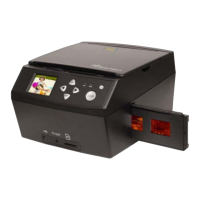
Film scanner/ USB MSDC/Photo Scanner
Function
Interface
Image Sensor
USB2.0
14.0 Mega pixels (4416*3312)
1/2.3” CMOS sensor
Display
Exposure Control
Color 2.4〞TFT LCD
Automatic / Manual (-2.0 EV~ +2.0EV)
Resolution
14.0 Mega pixels / 22 Mega pixels
(interpolation)
3200 Dpi & 4000 Dpi(interpolated)
3:2
Single pass
35mm Film, Monochrome, Slide
B&W, Slides, Negatives
LED Back light
Scan Quality(reference)
Picture aspect ratio Scan
Method
Film type
Picture Effects
Light Source
File format
TV-OUT type
External memory card
Power Supply
Picture: JPEG
NTSC/PAL
SD/SDHC card up to 32GB
DC 5V Adapter / USB Port
Language
Simplified Chinese / Traditional Chinese /
English / French / German / Italian /
Spanish / Japanese
Support system
Dimensions (L x W x H)
Weight
Approx. 9.6" × 5.5" × 8.7"
Approx. 2.9 lbs
Please note product specifications are subjected to change.
Any changes will be made without notification.
8.Declaration


 To Previous Page