1.Preface
2.Safety Precautions
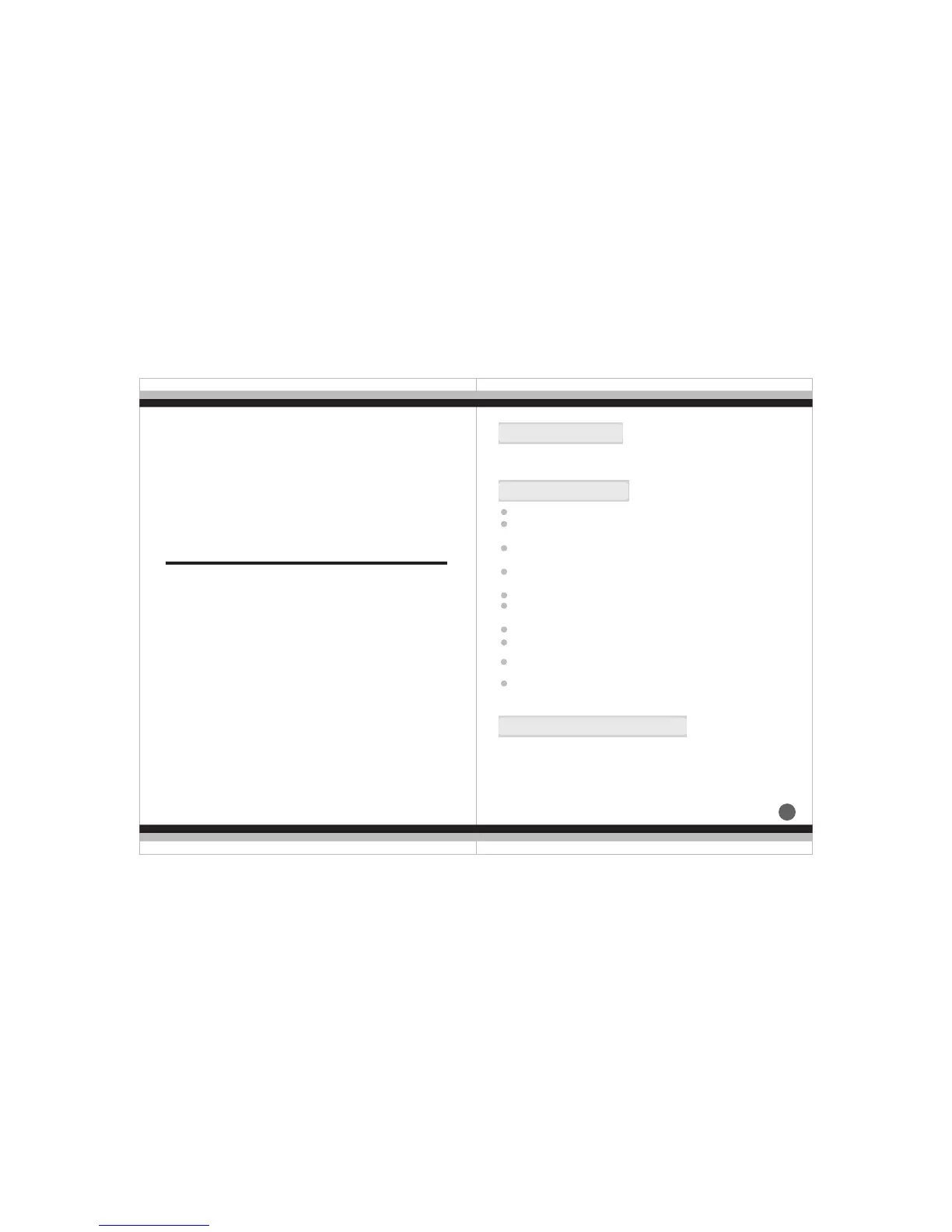
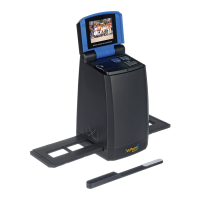
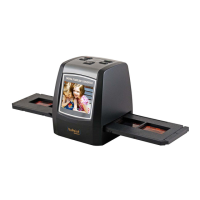
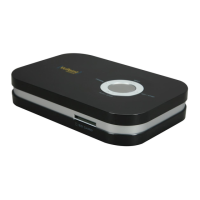
Please check scanner package whether it contained as follow objects,
if lack of any object, please contact with retailers whom you buy the
product from.
3.Package Contents
1
Thank you for purchasing this product!
Please read this user's manual carefully before using this product.
Please retain this manual for future reference.
Do not disassemble this unit.
Do not touch inner part of the scanner after dropping or other
damage suffering.
Do stop using it if there is any problem with the scanner, such
as smoke or smell while using.
Do not clean the scanner with alcohol, gasoline, diluent and
other organic solvent.
Do not use it in many dusts with the damp environment.
Do not overload the USB connections on your computer to
avoid poor working of the scanner for overloading.
Please use films of standard size.
Cleaning: Please make sure the scanner is clean before using
so as to produce a clean image
.
Clean the back plate, please push mobile button to FILM side,
cleaning brush can be insert from right side to clean
efficient, this products will shut down automatically ,if not
working within 2 hours.
Non use period: Make the products with long serving life and
Preface 1...........................................................
Safety Precautions..........................................1
Package Contents...........................................1
CONTENTS
Parts Guide.....................................................3
Slide and Negative holder loading method.........4
Operation Guide.............................................6
Product Specification....................................13
Declaration...................................................13


 To Next Page