VXi V175 User Guide
PAGE 15
MAKING CALLS WITH AN ANALOG (HOME) PHONE
Place a Call
• Lift the phone’s handset (if cordless, activate the handset).
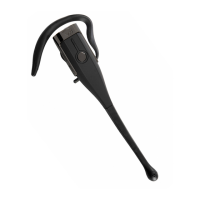
• Press the call control button on the headset and listen for a dial tone in the headset. Dial the desired
number on your phone. You will hear the call in the headset.
• Once the call is connected, you may replace the phone handset, or turn the cordless handset off.
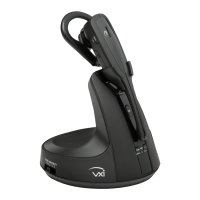
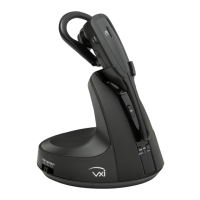
• To end the call, either press the headset call control button, or replace the headset in the base-charging
cradle.
Answer a Call
• When you receive a call, you will hear ringtones in the headset. Press the headset call control button
once to answer the call.
• To end the call, either press the headset call control button, or replace the headset in the base-charging
cradle.
End a Call
• To end a call, either press the headset call control button, or replace the headset in the base-charging
cradle.
Mute a Call
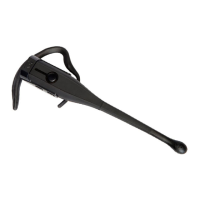
• During a call, you can place the headset into mute by pressing the mute button.
• The mute indicator on the base will light and you will hear a short beep in the headset every 15 seconds
until mute is deactivated.
• To unmute, press the mute button on the headset again.
Answer a Second Incoming Call
• While on a call, you will hear a beep in your headset if you have an incoming call. Press and hold the
mute button on the headset to put your current call on hold and answer the new call.
Note: Only available with standard (analog) telephone lines. Feature may be dependent on your telephone
provider subscription.
Switching a Call Between Headset and Handset
• To switch a call from the headset to the handset without hanging up the call, first lift the telephone
handset (or activate cordless handset). Then, press the headset call control button or place the headset
in the base-charging cradle.



 To Next Page