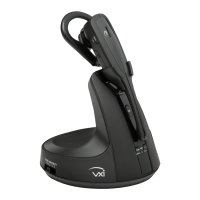
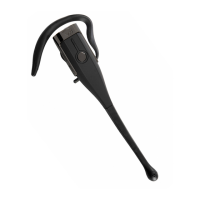
VXi V175 User Guide
PAGE 4
SAFETY INFORMATION
IMPORTANT SAFETY NOTE: Prolonged exposure to high volume levels can damage your hearing. To avoid
injury, set the volume to the lowest comfortable level. If you experience ringing in your ears, or voices sound
muffled, stop using the headset. Avoid turning up the volume to block noisy surroundings. It’s possible for
your ears to adapt to volume that is too high, and this could result in permanent hearing damage without
any noticeable discomfort.
• Plastic bags and small parts may cause choking if ingested. Keep them away from small children and pets.
• Use only the power adapter included with this product.
• Do not immerse any part of this product in water.
• Unplug product from the wall outlet before cleaning.
• Clean your headset with a slightly damp cloth as required. Dampen the cloth with only water or a mild soap
and apply only on plastic parts. Do not use liquid cleaners or aerosol cleaners.
• This product contains a replaceable lithium-ion rechargeable battery. Use only the supplied rechargeable
battery. When replacing, use the VXi replacement battery.
• Dispose of batteries in a safe manner. Do not burn or puncture which could release caustic material and
cause injury. Do not dispose of battery in a fire. The cells may explode. Check with local codes for disposal
instructions.
• Avoid temperatures exceeding 140° F (will cause equipment failure).



 To Next Page