204001X V300 Quick-Start Guide 122016.docx 10
4. How to Wear
a. Changing Wearing Styles
The V300 office wireless headset is supplied with a choice of wearing styles:
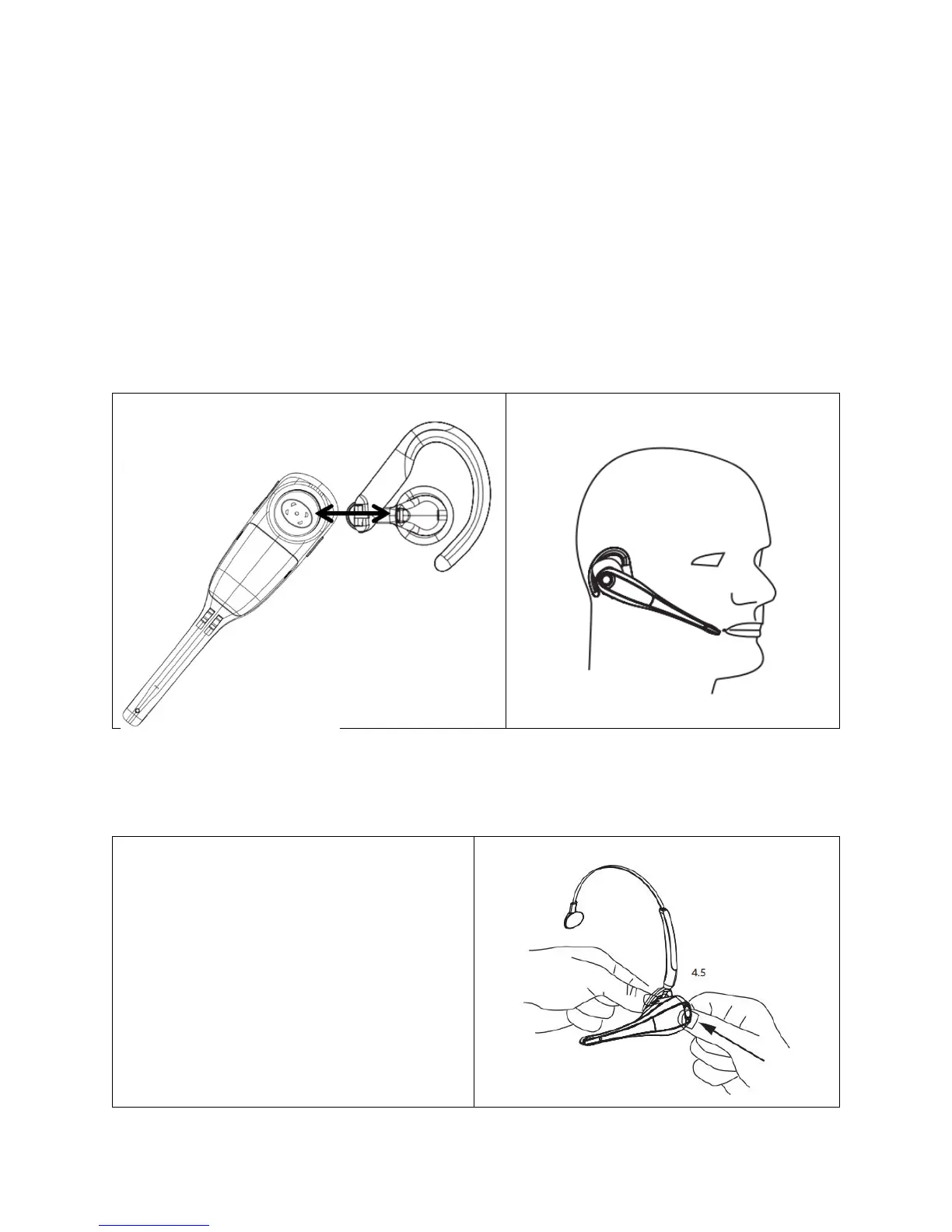
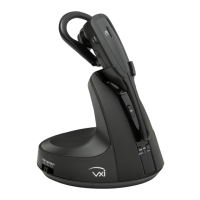
1. Ear Hook
a. Choose the ear bud that fits your ear most comfortably.
b. Place the ear bud over the post on the ear hook.
c. Attach the ear hook to the headset by placing it over the
earpiece and gently pressing it into position.
d. Loop the ear hook over the ear and rotate the headset so the
microphone is angled toward the mouth.


 To Next Page