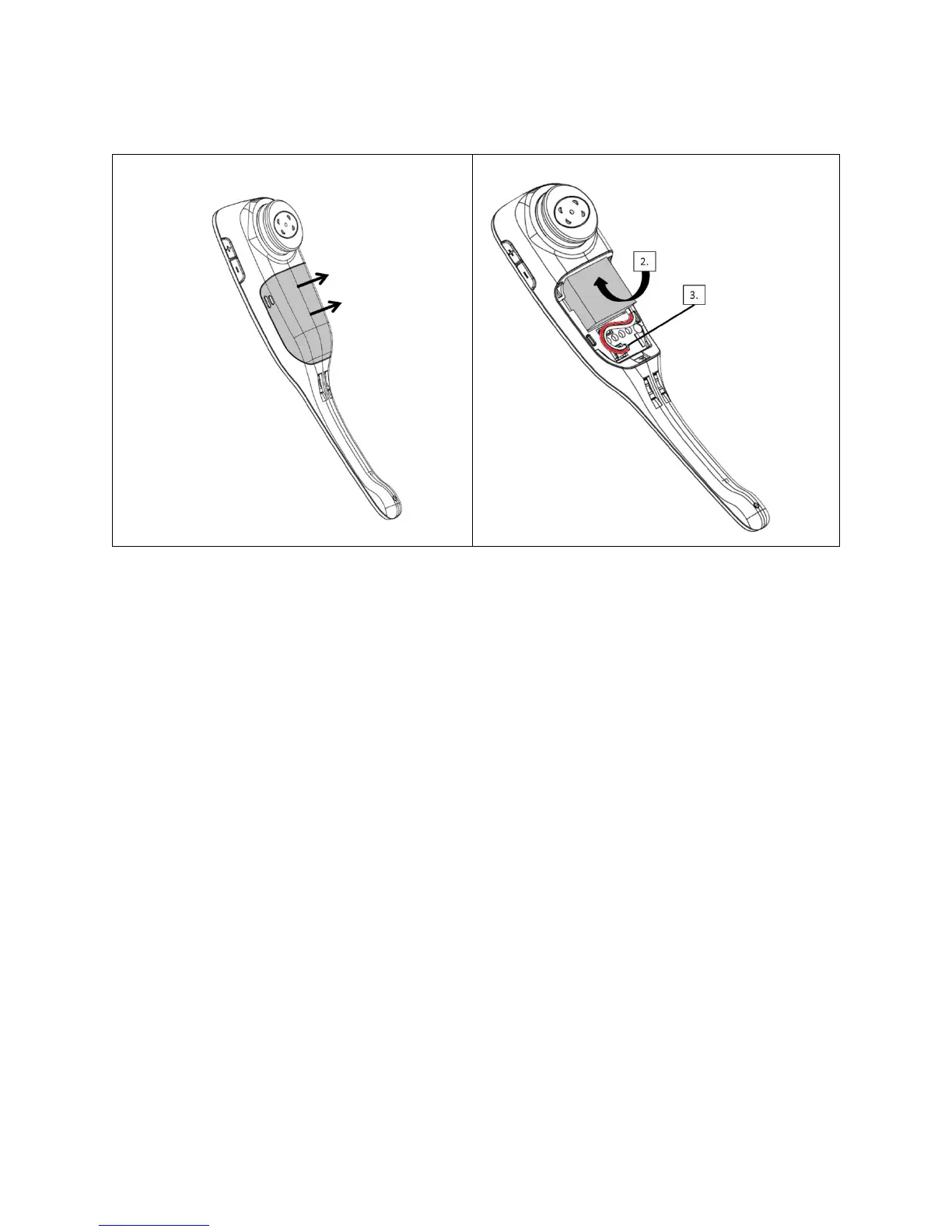
1. Remove the battery cover from the headset.
2. Insert the battery into position with the label “THIS SIDE UP” facing up.
3. Connect the battery lead to the headset.
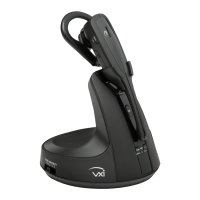
4. Replace the battery cover and place the headset in the charging cradle. The LED
on the headset will be red when charging and will change to blue when the
headset is fully charged.
c. Connect and Configure Office Phone
i. Remove the panel from the bottom of the base.
ii. Connect the base jack cable (orange flag) to the base jack port (orange dot) on the
base and the other end to the headset port of the phone. If you do not have a headset
port, you will need to use the handset port.
<<Graphic – Back of Base Unit to Phone Headset Port>>


 To Next Page