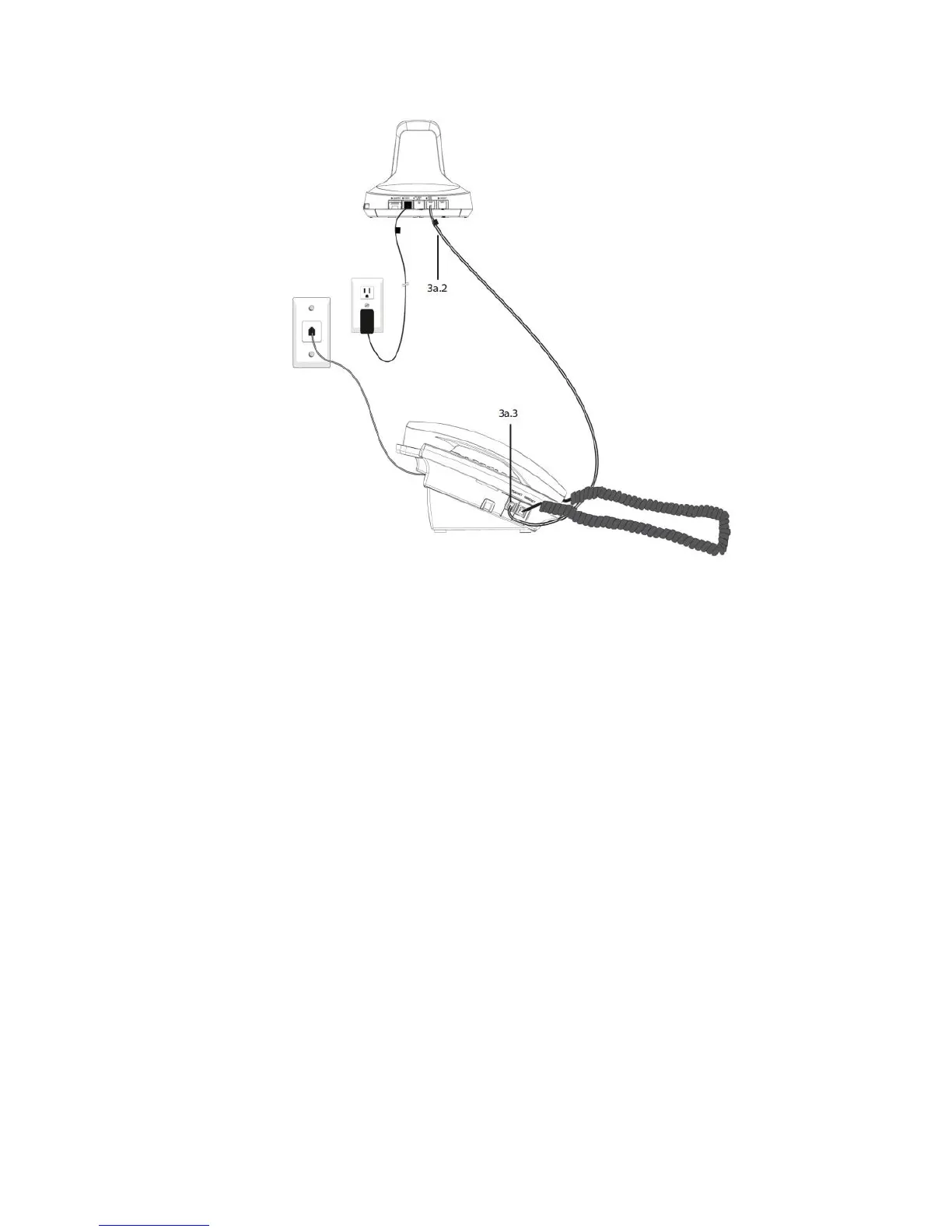
204001X V300 Quick-Start Guide 122016.docx 8
iii. Check Configuration and Make a Test Call:
1. Set your desk phone volume to mid-range.
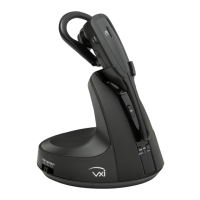
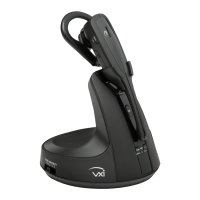
2. Make sure the base shows the phone output is selected. A green LED
indicates the mode is set for office phone use. If it is red, press the mode
button on the side of the base to change to the correct mode.
3. Check that the phone compatibility switch on the side of the base is correct
for your phone. Most phone makes use setting D (default), but many Cisco
phones will use setting A.
4. Open the headset line on your desk phone, or remove the handset from the
cradle if you are connected to the handset port.
5. While wearing the headset, press the call control button on the headset.
6. If you do not hear a dial tone (or tones) when pressing the dial pad buttons,
try the other base compatibility switch settings until you do.
7. Dial a test call from the desk phone.
i. You can fine-tune the earpiece volume using the headset volume
buttons.
ii. If additional microphone gain (speaking volume) is needed, or if you
hear your voice echo in the earpiece (excessive side tone), you can
adjust this with the microphone volume buttons on the side of the
base.


 To Next Page