EasyManua.ls Logo

WABCO OnGuard - User Manual

WABCO OnGuard
65 pages
Print Icon
To Next Page IconTo Next Page
Loading...
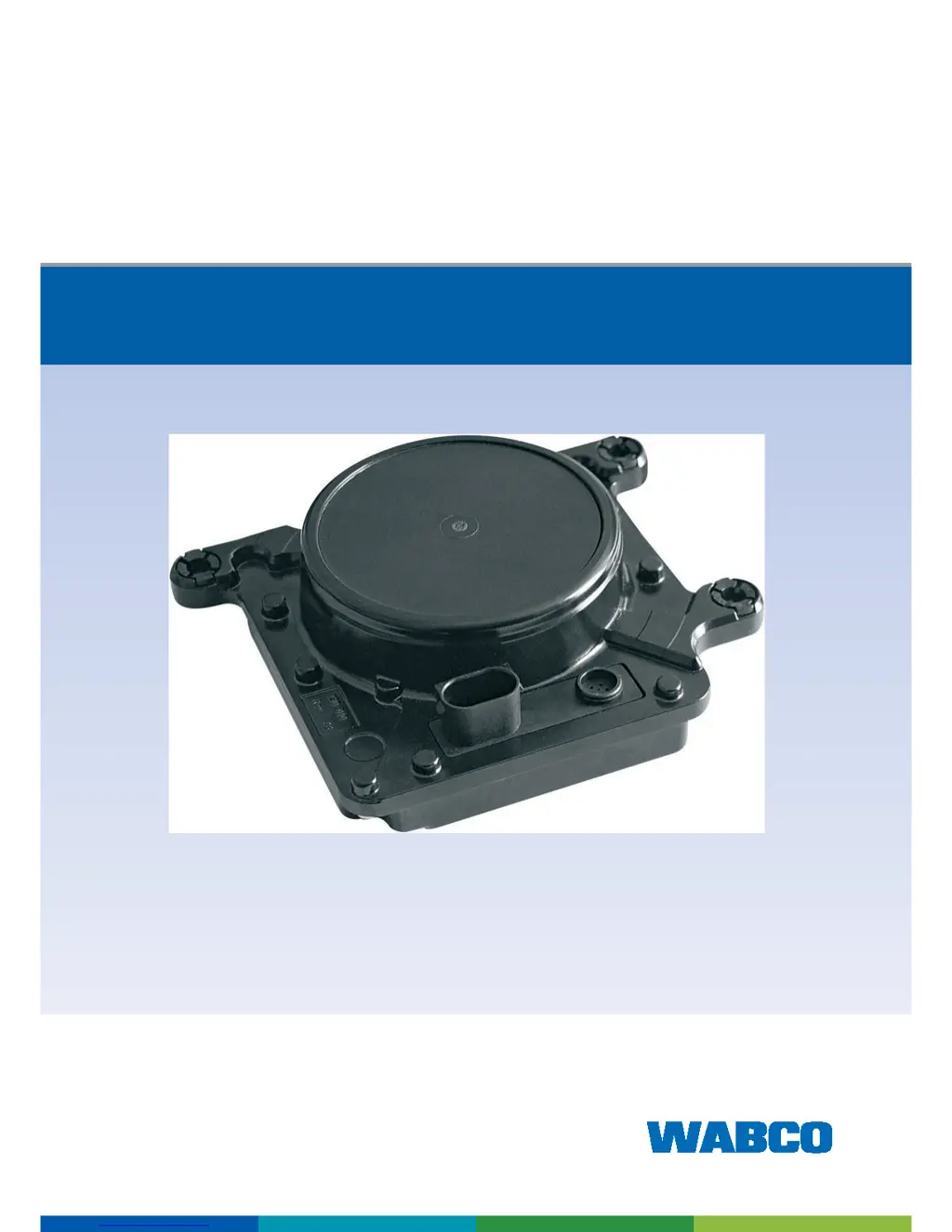
ONGUARD COLLISION
SAFETY SYSTEM
MAINTENANCE MANUAL

Other manuals for WABCO OnGuard

Questions and Answers

  • D
    Douglas RamirezJul 28, 2025
    What to do if CMS DTCs become active during service on WABCO Automobile Accessories?
    • C
      christopherthomasJul 28, 2025
      If CMS DTCs become active when you are servicing other electrical components, complete the repairs on those other vehicle systems first. Then, cycle the ignition OFF for at least two minutes before turning it back ON.
  • S
    Samuel StarkAug 2, 2025
    Why is service alignment important for WABCO Automobile Accessories?
    • G
      Gloria BenderAug 2, 2025
      Service alignment is important because adjustments, repairs, replacements, or maintenance affecting tires, chassis, or front body components require a service alignment to be performed afterward. Failing to do so may result in driveability concerns.
  • A
    arthur83Aug 8, 2025
    What to do if WABCO Security Sensors system is not operating correctly?
    • J
      Julie HayesAug 8, 2025
      If the WABCO Security Sensors system isn't working right and shows a fault code, first, use the UP and DOWN keys on the OnGuard display to check each fault code and write them down for later. Remember, the OnGuard system, including ACC, CWS, CMS, and cruise control, will be disabled when active codes appear. If you find a fault code that's not in the Fault Code Tables, call WABCO North America Customer Care at 855-228-3203 for help. Also, keep in mind that OnGuard fault codes can pop up during service on other electrical parts. After you're done fixing those parts, turn the ignition OFF for a minute, then back ON, and let the engine idle for a minute. This often clears the OnGuard fault code.
  • M
    Mario JonesAug 14, 2025
    How to clear OnGuard fault codes on WABCO Security Sensors?
    • M
      michelle59Aug 14, 2025
      OnGuard fault codes may appear during maintenance on other electrical components of your vehicle. To clear these codes, turn the ignition OFF for one minute, then turn it back ON. Let the engine idle for one minute. This should clear the OnGuard fault codes.
  • M
    Meagan CastilloAug 20, 2025
    What to do if WABCO Security Sensors display shows a fault code not listed in the Fault Code Tables?
    • K
      Kristine JohnsonAug 20, 2025
      If the display shows a fault code not listed in the Fault Code Tables, contact WABCO North America Customer Care at 855-228-3203 for assistance.

Summary

Diagnostics and Troubleshooting - General

Troubleshooting Guide

Provides general troubleshooting steps for display and radar issues.

TOOLBOX Software Diagnostics

Details using WABCO's TOOLBOX software for diagnostics.

Radar System Troubleshooting

Radar Sensor Alignment and Blockage

Radar Blocked

Procedure to follow when the radar sensor is blocked by debris.

Radar Sensor Alignment

Procedures for aligning the radar sensor for optimal performance.

Specific Radar System Faults

Electrical System and Harness Troubleshooting

Harness Routing and Wire Fatigue;Abrasion

Discusses harness maintenance to prevent damage and ensure system function.

Radar Harness Electrical Checks

Step-by-step checks for the radar sensor harness.

Display Harness Electrical Checks

Step-by-step checks for the OnGuard Display harness.

System Voltage and Network Issues

SAE J1939 Network Errors

Explains communication errors on the J1939 network.

Message and Control Faults

ABS System Troubleshooting

Brake Pedal Position Sensor Faults

Details how to diagnose and resolve BPP sensor issues.

Stop Lamp Relay Fault

Component Replacement

Radar Sensor Replacement

Step-by-step instructions for replacing the radar sensor assembly.

Display Replacement

WABCO OnGuard Specifications

General IconGeneral
TypeCollision Mitigation System
Communication ProtocolJ1939 CAN
FunctionalityAdaptive Cruise Control
TechnologyRadar-based
AlertsVisual and audible warnings
Radar Frequency77 GHz
Operating Voltage24V
FeaturesForward collision warning, adaptive cruise control, stationary vehicle detection
CompatibilityHeavy-duty trucks
ManufacturerWABCO

Related product manuals