BA ET18, 20, 24 en* 1.5 * et18_20_24i400.fm 4-5
Putting into operation 4
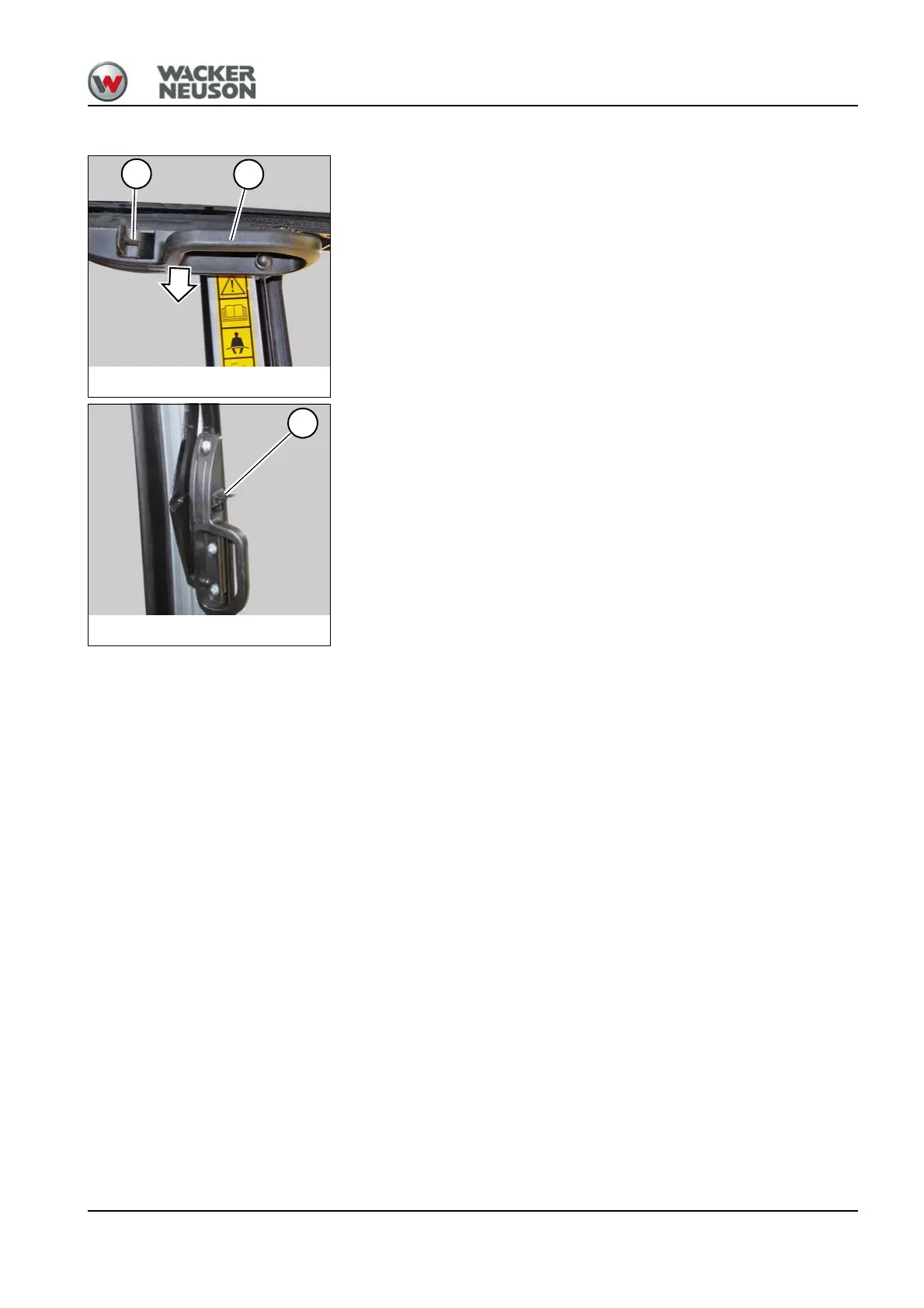
Closing the front window
1. Press levers A on the left and right, and pull the front window
downward with handles B on the left and right.
2. Press the front window fully forward and release levers A.
Fig. 59Closing the front window
A
B
Fig. 60Closing the front window
A











 To Next Page