2
4
4
4
5
7
8
9
10
10
11
12
12
13
14
14
14
15
15
15
17
18
18
19
21
22
22
22
24
25
26
26
26
27
28
29
30
34
35
Table of Contents
Table of Contents
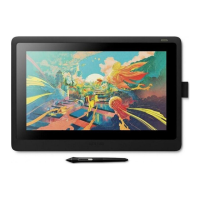
About the Wacom Cintiq 16
Included with your Wacom Cintiq 16
Finding more information
Features of your Wacom Cintiq 16
Access the Express Menu
Set up your device
Set up your work area
Install the driver
Update the driver
Stand Setup and Usage
Get started with your creative pen display
Access user help
Connect to your computer
Work with your pen
Personalize your pen with a color ring
Specialty pens
Use your pen
Pen tip and eraser
Pen buttons
Store your pen
Customize your pen functions
Assign settings to the pen button and pen tip
Customize other pen properties
Eraser
Replace the pen nib
Where to find replacement nibs
Where to find the nib replacement tool
Use your pen with Windows Ink
Advanced pen and eraser
Customize your device in Wacom Tablet Properties
What can I customize in Wacom Tablet Properties?
Where can I access settings and other options in Wacom Tablet Properties?
Open Wacom Tablet Properties
Assign settings in Wacom Tablet Properties
Example of assigning a setting in Wacom Tablet Properties
What settings can I assign?
Assign keystrokes
Calibration







 To Next Page