13
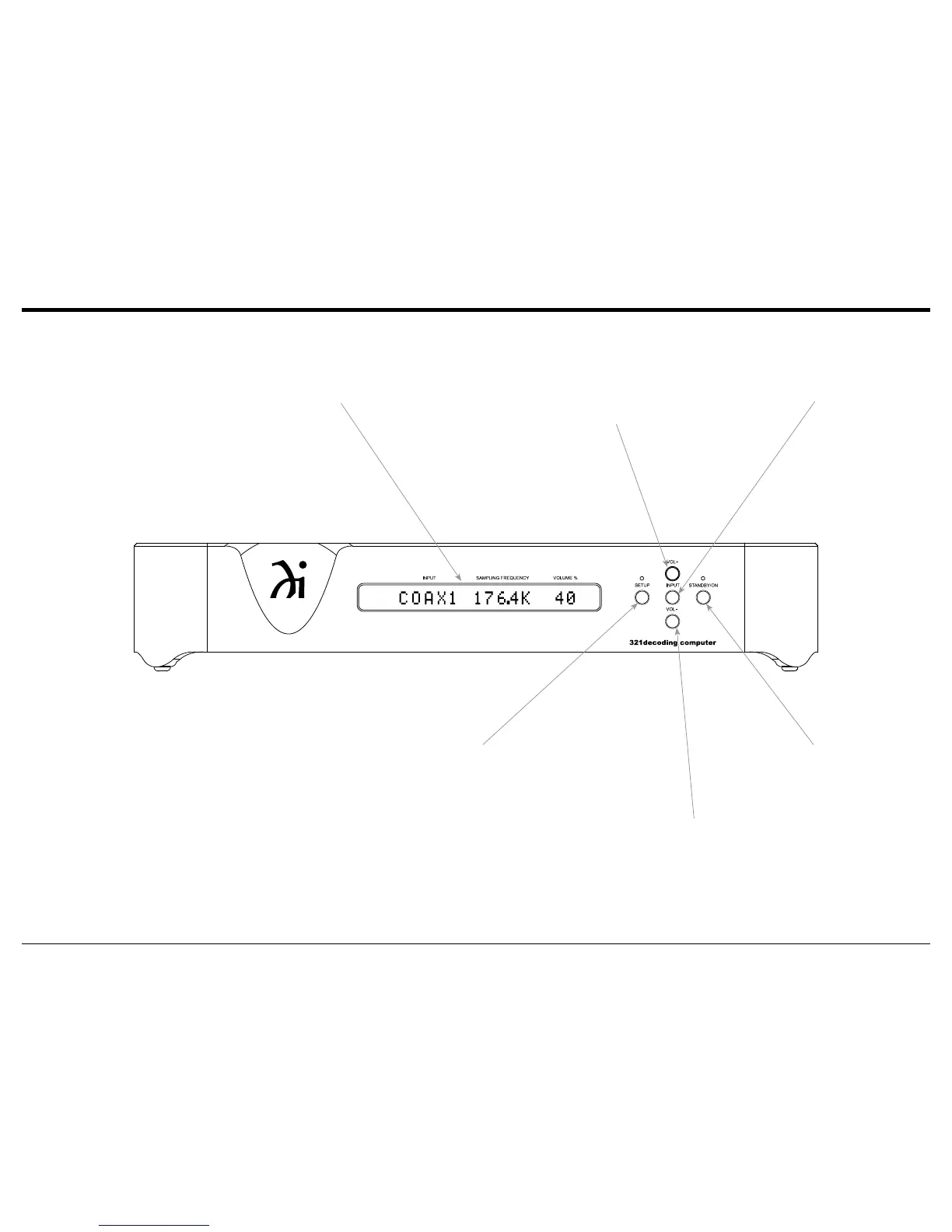
STANDBY/ON Push-button
with indicator, switches the
321 ON or OFF (Standby)
INPUT Control allows the
selection of digital sources
(1 - 5) for decoding
Front Panel DISPLAY indicates the Source, Sam-
pling Frequency, Volume Level Percentage, Phase,
Operational Functions and Setup Mode Settings
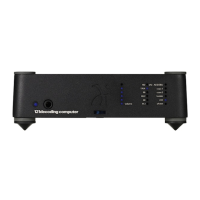
Front Panel Displays, Controls, Push-buttons and Jack
SETUP Push-button with
indicator, activates the
Setup Mode for changing
operational settings
Increases the Volume Level
Decreases the Volume Level



 To Next Page