EasyManua.ls Logo

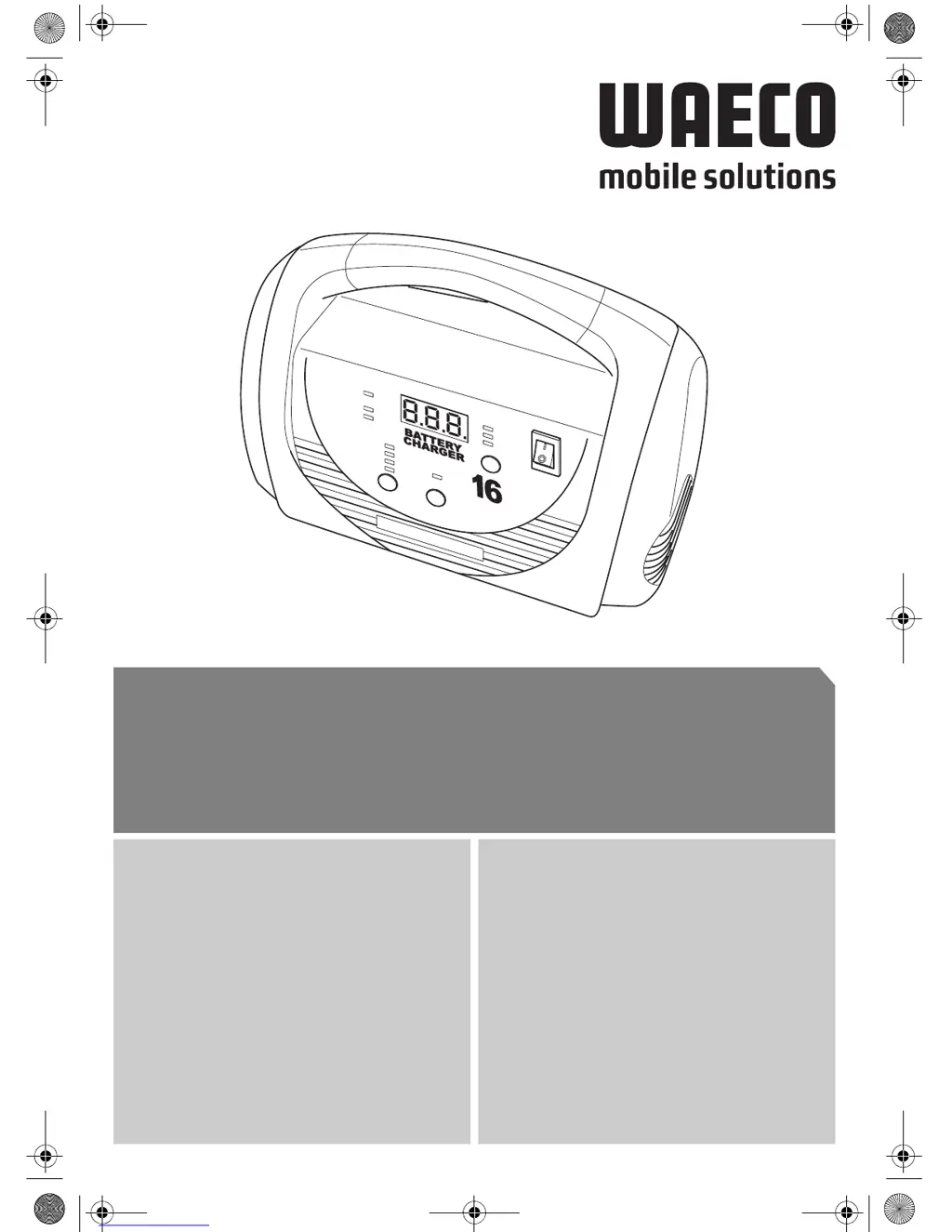
Waeco MOBITRONIC MBC-8IU - User Manual

Waeco MOBITRONIC MBC-8IU
216 pages
Go to English
Print Icon
To Next Page IconTo Next Page
Loading...
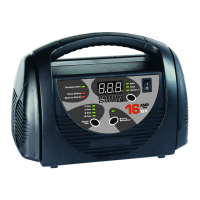
MOBITRONIC
MBC-8IU, MBC-16IU
C
harging status
Charge
Rate
Check Battery
Batte
ry %
Batte
ry
Recondition
R
everse Polarity
2 Am
p
4 Am
p
8 Am
p
16 Am
p
Am
p
s
Volts
AMP
12 V
D 5 Kompaktlader
Bedienungsanleitung
GB 26 Compact Charger
Instruction Manual
F47Chargeur compact
Manuel d’utilisation
E 69 Cargador compacto
Instrucciones de uso
I 90 Caricatore compatto
Istruzioni per l’uso
NL 112 Compactlader
Gebruiksaanwijzing
DK 133 Kompaktoplader
Betjeningsvejledning
S 154 Kompaktladdare
Bruksanvisning
N175Kompaktlader
Bruksanvisning
FIN 196 Kompaktilaturi
Käyttöohje
MBC-8IU_16IU.book Seite 1 Dienstag, 6. September 2005 3:38 15

Table of Contents

Questions and Answers

  • P
    Pamela StricklandAug 1, 2025
    What to do if Waeco Battery Charger shows F04 charging error?
    • P
      Peter WilliamsAug 1, 2025
      If your Waeco Battery Charger displays an "F04" error, it means the charger has overheated. You should clean any dirty ventilation openings or remove any objects covering the device. Move the charger to a cooler location. It will restart automatically once it cools down.
  • S
    Samantha HughesAug 5, 2025
    What does F03 charging error mean on a Waeco MOBITRONIC MBC-8IU?
    • M
      Michael KimAug 5, 2025
      The "F03" charging error on your Waeco Battery Charger indicates that electric consumers are connected to the battery. Disconnect all electric consumers from the battery.
  • E
    Eric GravesAug 11, 2025
    What to do if Waeco MOBITRONIC MBC-8IU displays F01 charging error?
    • A
      Ashley NixonAug 11, 2025
      If your Waeco Battery Charger shows an "F01" error, it indicates that the battery cannot be charged. If it is a non-maintenance-free battery, attempt to recondition it. Also, this error may appear if the charging current selected for the battery is too low. In that case, select a higher charging current.
  • K
    Kimberly Jackson DDSAug 16, 2025
    Why Waeco Battery Charger display doesn't switch on?
    • J
      Justin CrosbyAug 16, 2025
      If the display of your Waeco Battery Charger doesn't switch on when connected to the battery, it could be due to several reasons: * The polarity has been reversed. Ensure you connect the connection terminals with the correct polarity. * The voltage of the battery to be charged is less than 2.5 V DC. Try to recondition the battery. If that doesn't work, replace it, and dispose of the defective battery properly. * There might be a poor connection at the connection terminals. Check the connections to ensure they are secure.
  • J
    Jennifer HansonAug 21, 2025
    What does F05 charging error mean on a Waeco MOBITRONIC MBC-8IU?
    • T
      tracybeckAug 21, 2025
      The "F05" error on your Waeco Battery Charger indicates that the battery charging time has reached 24 hours. This could be due to a few reasons. First, check the charging condition of the battery. Second, the charging current selected for the battery may be too low, so select a higher charging current. Finally, a battery cell might be damaged, which would require you to replace the battery and dispose of the defective one properly.
  • M
    Maria BullockAug 26, 2025
    What to do if Waeco MOBITRONIC MBC-8IU Battery Charger displays F02 charging error?
    • D
      Darren DyerAug 26, 2025
      If your Waeco Battery Charger displays an "F02" error, it means that the voltage of the battery to be charged is equal to or greater than 17 V DC. Check the battery voltage. You can only charge 12 V batteries with this charger. Use a charging device that is suitable for your battery.

Summary

Notes on using the manual

Safety instructions

General safety

General safety measures for using electrical devices to protect against shock, fire, and injury.

Operating the device safely

Instructions for safe operation, including warnings about electrocution and environmental setup.

Safety precautions when handling batteries

Precautions for handling batteries, including dangers of injury, explosions, and specific battery types.

Scope of delivery

Technical description

Device components

Identifies and explains the various components and indicators of the compact charger based on figure 1.

Using the compact charger

Connecting the compact charger

Steps and precautions for connecting the compact charger, including environmental and electrical safety.

Charging the battery

Procedure for charging 12V lead acid batteries, including selecting charging current and automatic process.

Reconditioning batteries

Procedure and safety precautions for reconditioning non-maintenance-free lead acid batteries.

Troubleshooting

Cleaning and maintenance

Guarantee

Disposal

Technical data

Appendix

Charging process

Explains the three-stage charging process (bulk, absorption, retention) used by the compact charger.

Glossary

Defines key terms used in the manual, such as electrolyte, capacity, reconditioning, and sulphate build-up.

Waeco MOBITRONIC MBC-8IU Specifications

General IconGeneral
Output Current8 A
Battery Voltage Compatibility12 V
Storage Temperature-20°C to +70°C
Input Frequency50/60 Hz
Output Voltage14.4V DC
Battery Type CompatibilityGel, AGM
Protection Featuresreverse polarity
CoolingFan
Operating Temperature0°C to +50°C

Related product manuals