4
WAFERLOCK CORPORATION
• The WAFERKEY App works on iPhone with iOS 13.6 or later, or devices with Android 8.0 or later.
• Be sure to accept any available rmware update.
• Please refer to the instruction in WAFERKEY App for more information.
• Once the lock turns to App Mode, ALL the existing user access settings (Key Card, Passcode ...)
will be deleted.
Note
Lock Setup with App
Follow below steps to get your lock setup with WAFERKEY App.
You can also use the mobile App to set up your lock step-by-step and access installation videos.
Step 2
Open the App, simply use a Third Party Login
or register a WAFERKEY account.
Step 3
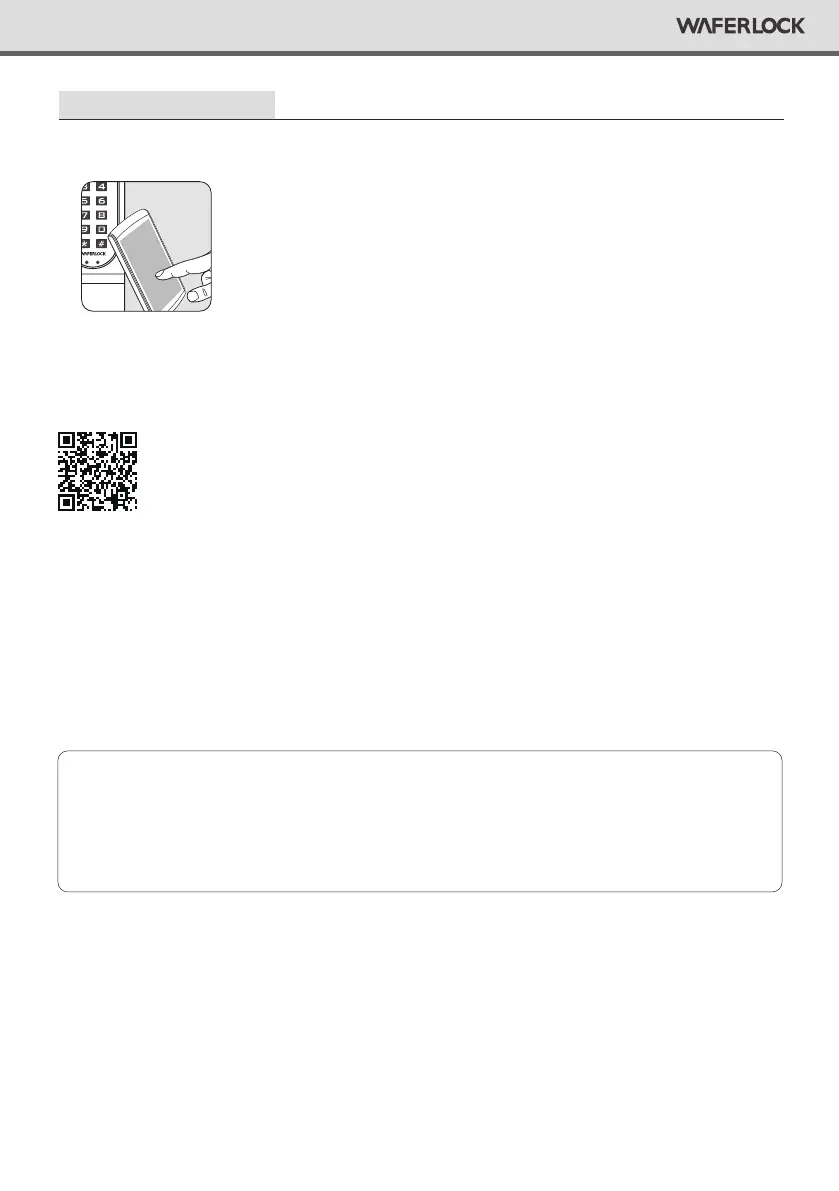
Turn on Bluetooth on your smartphone, stay near
the lock and follow the instruction in the App.
Step 4
Pair the lock in the App and start to use it.
Step 1
Download the App by searching “WAFERKEY”
in the App Store (iOS) or on Google Play (Android).
DON’T WANT TO USE THE APP?
Please go to page P05-12 for manual programming instructions for Standalone Mode.
Questions about your new lock?
Let us help you!
support@waferlock.com


 To Next Page