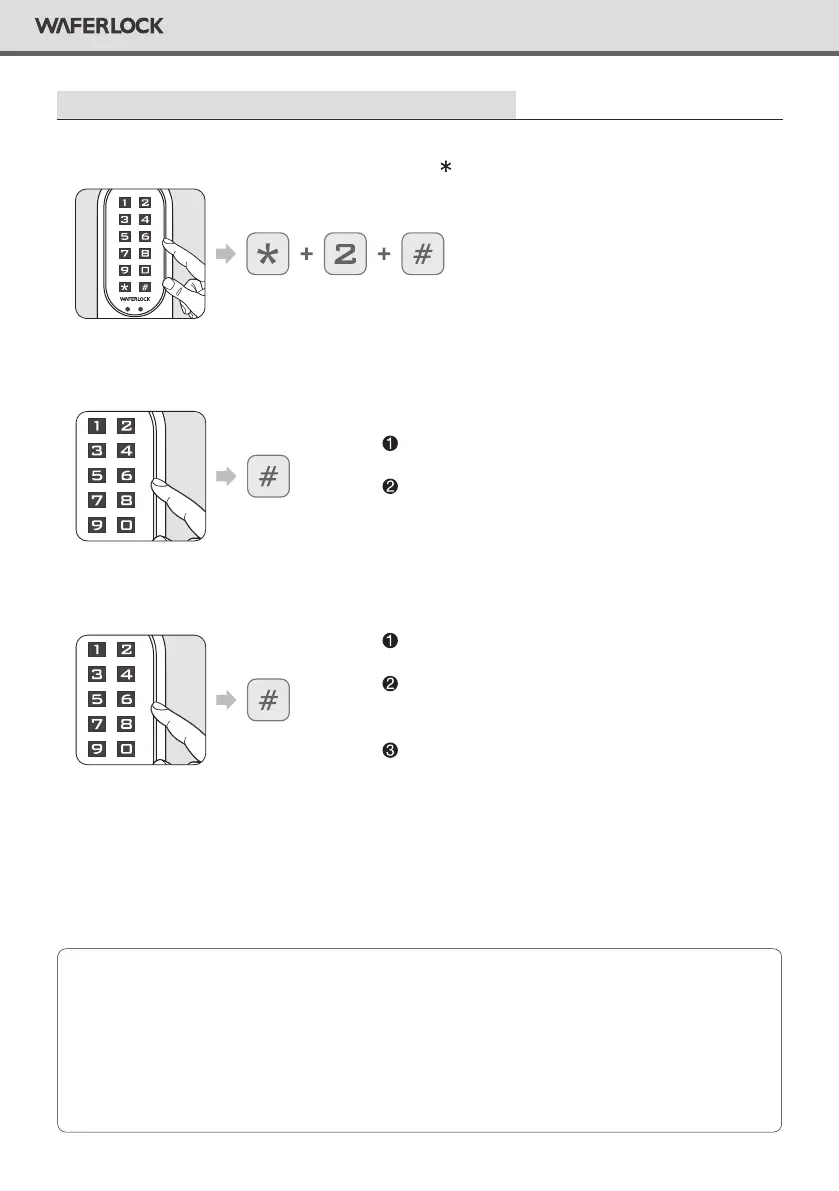
Delete Individual User (Cards / Tags / Pin Codes)
• When performing deleting function, other user's serial number will not be changed.
• When the existing user is deleted, user's serial number will be left blank, the next programmed
user will replace this blank spot. “i.e.: Deleting serial no.004, and then programming a new user,
this new user will be serial no. 004”.
• If there are more than one serial no. deleted, the next programmed user will replace that spot
ascending sequence; i.e.: no.004 and no.100 are deleted, the next programmed user will replace
the no.004 spot, and the following programmed user will replace no.100.
Note
Step 1
Step 2
Step 3
Press any button to activate the keypad, then press 2 #.
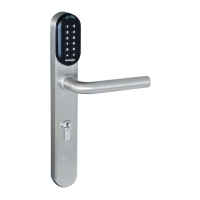
Enter current Master Pin Code, then press #.
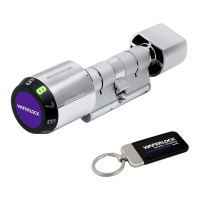
Enter the existing serial number (3 digits, 001~250), then press #.
Correct Master Pin Code: 1 beep followed by green
light ashing 1 time.
Incorrect Master Pin Code: 2 beeps followed by red
light ashing 2 times, then standby.
If enter less than 3 digits or over 3 digits, 2 beeps
followed by red light ashing 2 times, then standby.
If the serial number does not exist, it will be successful
delete individual user, 1 beep followed by green light
ashing 1 time.
If correct, user will be deleted, 1 beep followed by
green light ashing 1 time.
7
WAFERLOCK CORPORATION


 To Next Page