Global Parameters – Utility menu
137 Waldorf microQ User´s Manual
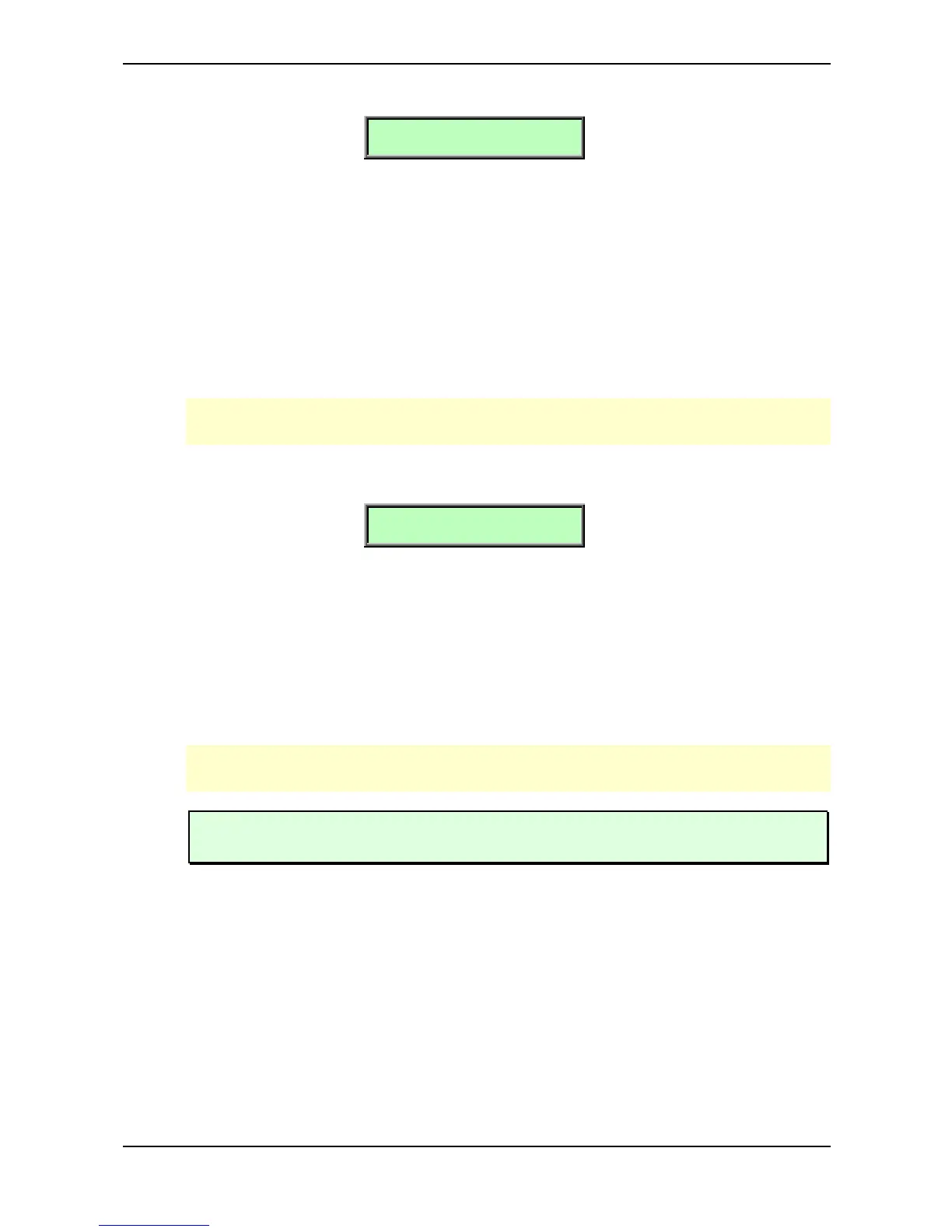
Init Drums
Init Drums D01
[Utility]
The microQ provides a special function for setting all parameters of a Drum Map to initial values. You
can use it to create a new Drum Map from scratch. This function is only available if a Drum Map is
selected.
☞ This is how you initialize a Drum Map:
• Select the designated Drum Map.
• Press Shift + Global/Utility and choose the option Init Drums.
• Press Shift + Global/Utility again to activate the function.
The selected Drum Map is now initialized.
When you initialize a Drum Map, all action takes place inside an edit buffer. Therefore no data
will be lost until you store the program.
Random Sound
Random Sound A001
[Utility]
This function initializes all parameters of a Sound Program with random values.
☞ This is how you randomize a program:
• Select the appropriated Sound program.
• Press Shift + Global/Utility and choose the option Random Sound.
• Press Shift + Global/Utility again to activate the function.
The selected program is now randomized.
When you ranomize a program, all action takes place inside an edit buffer. Therefore no data
will be lost until you store the program.
Use Random Sound as much as possible. This is how most of the microQ´s preset sounds
are programmed ;-)



 To Next Page