Sound Parameters – Effects
Waldorf microQ User´s Manual 88
Depth 0…127
Sets the modulation depth of the Flanger effect.
Feedback |Polarity
064 |positive
Feedback 0…127
Controls the feedback amount of the Flanger signal.
Polarity positive / negative
Determines whether the feedback signal is fed back into the Flanger as is, or is inverted beforehand.
Phaser
A Phaser is a combination of several "allpass" filters working in parallel. This generates an effect with
equally spaced frequency peaks or troughs. The result is a strongly colorized signal with a “spacy”
character.
A Mix setting of 48 to 96 produces the strongest effect because both the unaffected signal and
the processed signal are mixed together.
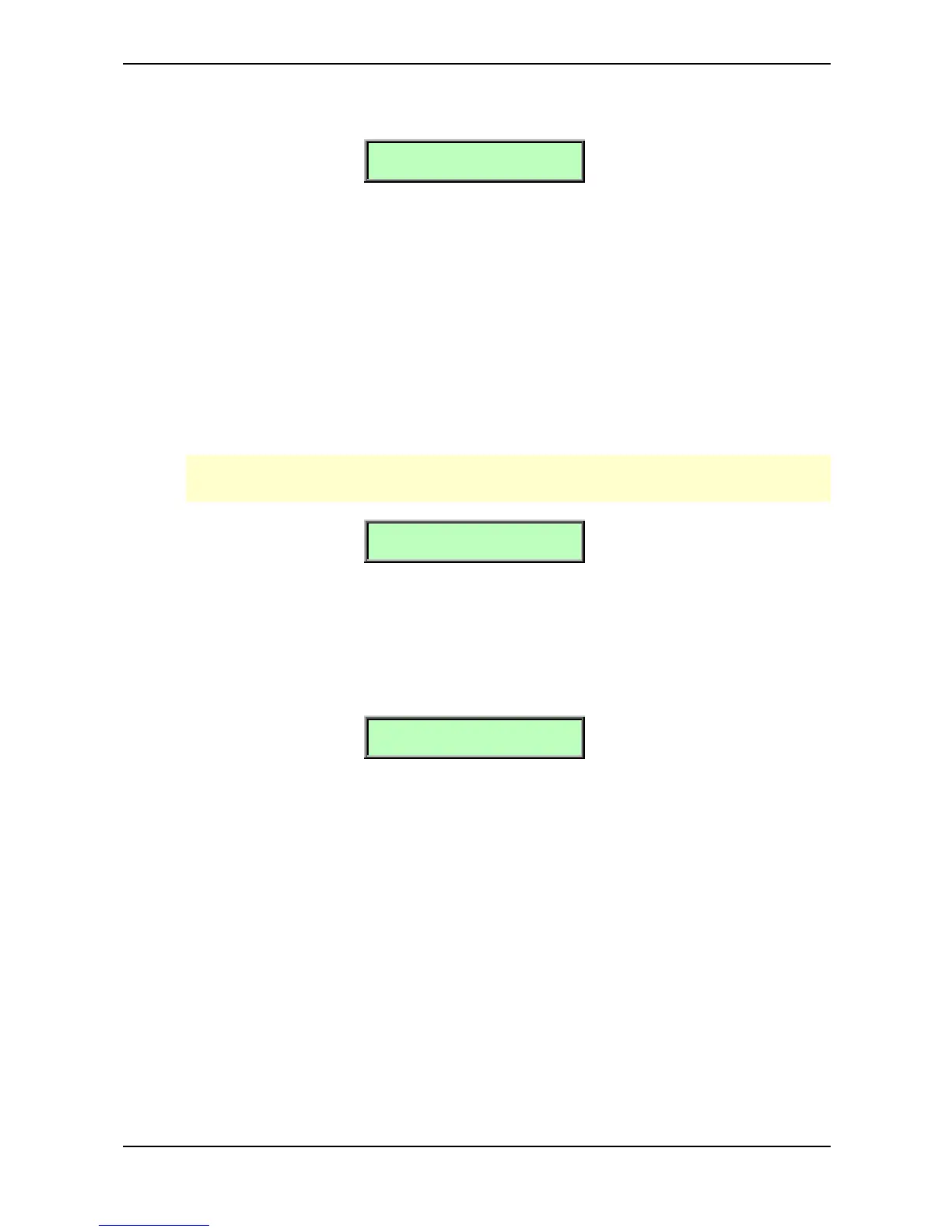
Speed | Depth
064 | 064
Speed 0…127
Sets the LFO speed of the Phaser effect.
Depth 0…127
Sets the modulation depth of the Phaser effect.
Center | Spacing
064 | 064
Center 0…127
Controls the basic delay length of the allpass filters. Lower settings produce a high pitched Phaser
effect while higher settings enable the Phaser to cover deeper frequencies.
Spacing 0…127
Controls the relative frequencies of the allpass filters. A setting of 0 produces a classic phaser, while
higher settings spread out the frequencies of the allpass filters.
Feedback 0…127
Controls the feedback amount of the delay signal.
Polarity positive / negative
Determines whether the feedback signal is fed back into the Phaser as is, or is inverted beforehand.



 To Next Page