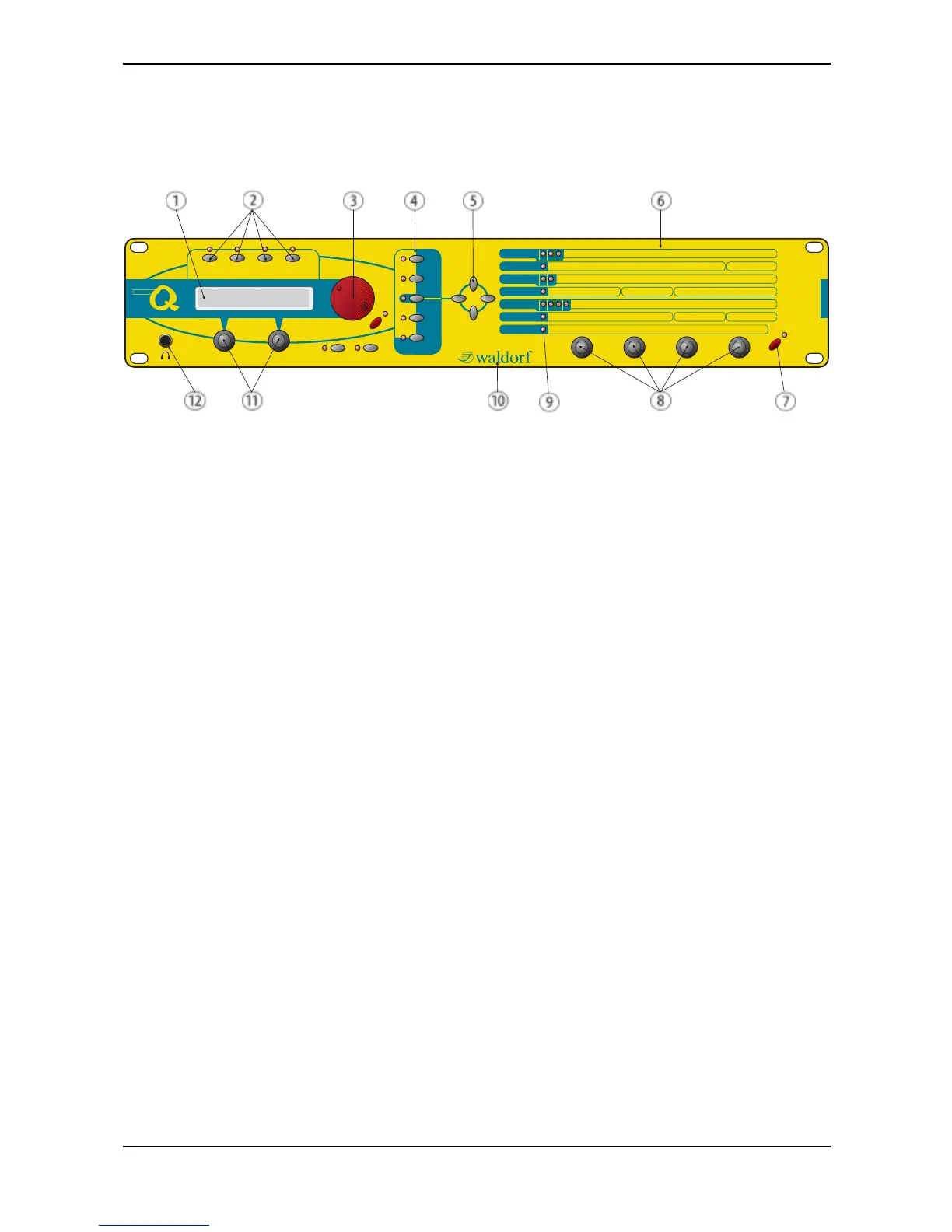
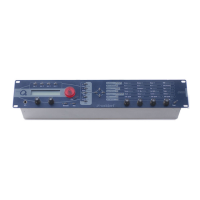
Control Features and Connections – Front Panel microQ Rackversion
Waldorf microQ User’s Manual 8
Control Features and Connections
Front Panel microQ Rackversion
Play
micro
Power
Graphic Display
Multimode
Peek
Shift
Sound
Edit
Multi
Store
Recal l
Compare
Utility
Global
polyphonic
synthesizer
Inst. 1 Inst. 2 Inst. 3 Inst. 4
Octave Semi Detune FM Shape PW PWM Source
Oscillators
123
Osc1 Balance Osc2 Balance Osc3 Balance Filter RoutingMixer/Routing
Cutoff Keytrack Resonance Drive Env Velocity Type Panning
Filters
12
Volume Velocity FX Mix Arp Mode Range Tempo Clock
Amp/FX/Arp.
Attack Level Decay Decay2 Sustain Sustain2 Release Mode
Envelopes
FA34
LFO1 Speed Shape Sync LFO2 Speed Shape LFO3 Speed Shape
LFOs
Select Source Amount Destination
MOD Matrix
Picture 1: Front Panel microQ
햲 Display
햳 Instrument Select Buttons
햴 Red Alpha Dial for Sound and page access
햵 Master Section with function buttons
햶 Navigation buttons
햷 Parameter matrix
햸 Power button with standby/MIDI indicator LED
햹 Endless dials for parameter access
햺 LEDs for showing the selected parameter section
햻 German synthesizer manufacturer from the
Schloss Ahrenthal
햽 Display parameter dials
햾 Stereo Headphone jack



 To Next Page