23
5. Quick reference guide
NOTE
Detailed instructions for the following activities can be found in
the relevant sections of these instructions for use. Strictly follow
thesequenceofthefollowingactivitiesduringrsttimeuse,to
prevent damage to the device.
• Setchannel.
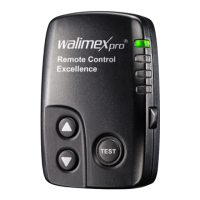
• Mounttransmitteroncamera.
• Presstestbutton.
6. Preparing the devices for use
6.1 Setting the channel
You can choose from 16 different channels
1. Adjust the channel on the back of the transmitter.
(on certain models in the battery compartment)
Makethecorrespondingadjustmentbetweenstudioashand
transmitter by displacing the pin.
2. Adjustthechannelonthestudioash.Seeoperatinginstructions
forthestudioash.
The following table shows how to correctly adjust the code between
transmitterandreceiverinthestudioash.


 To Next Page