26
Group 3 (3. LED from top must light)
Group 4 (4. LED from top must light)
NOTE
Flash settings can only be made if the settings between transmit-
terandreceiverintheashunitarematching.Thetestbuttonon
thetransmittercanbeactuatedatanytimeandwilltriggeraash.
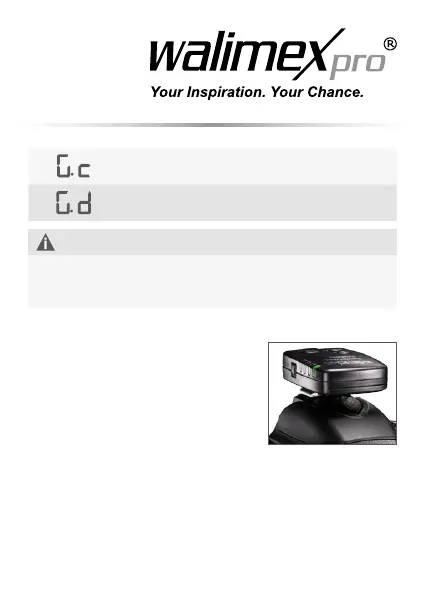
6.2 Mounting the transmitter to the camera
1. Plug the transmitter with its shoe on the
ashsocketofyourcamera.
2. Should your camera not have a hot
shoes contact, you should use the at-
tached cable to connect the transmitter
with your cameras or the hot shoe.
7. Operating the devices
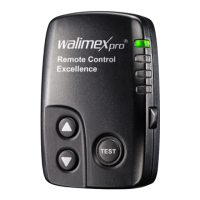
Press the test button
Before starting work you should check the function of the device and
triggeryourashbypressingthetestbuttononthetransmitter.


 To Next Page