25
*associatedcodeforthestudioashVEExcellence
** on the radio transmitter
FA accounts for F10; FB accounts for F11; FC accounts for F12;
FD accounts for F13; FE accounts for F14; FF accounts for F15
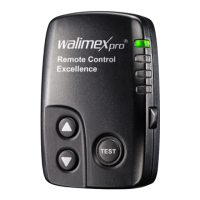
3. Setting the group by the remote control
•
Press the button on the side. The set
group lights up for a moment.
• Pressseveraltimestotogglebet-
ween the groups.
• Usethearrowkeysontheremote
controltoregulatetheashpowerfor
the set group.
• Pressthebuttononceagainfor
approx. 5 sec to save the selected group. Or wait for approx. 15
seconds, until the display changes to the start page.
The following table shows how to correctly adjust the setting between
transmitterandreceiverinthestudioashtooneanother:
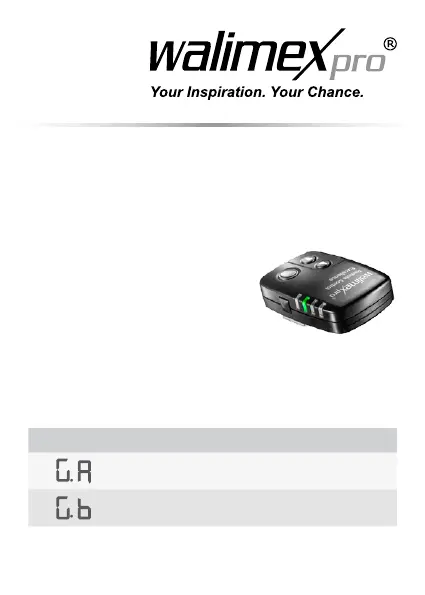
Group code Setting on the remote control
Group 1 (top LED must light)
Group 2 (2. LED from top must light)


 To Next Page