4
STEP 3
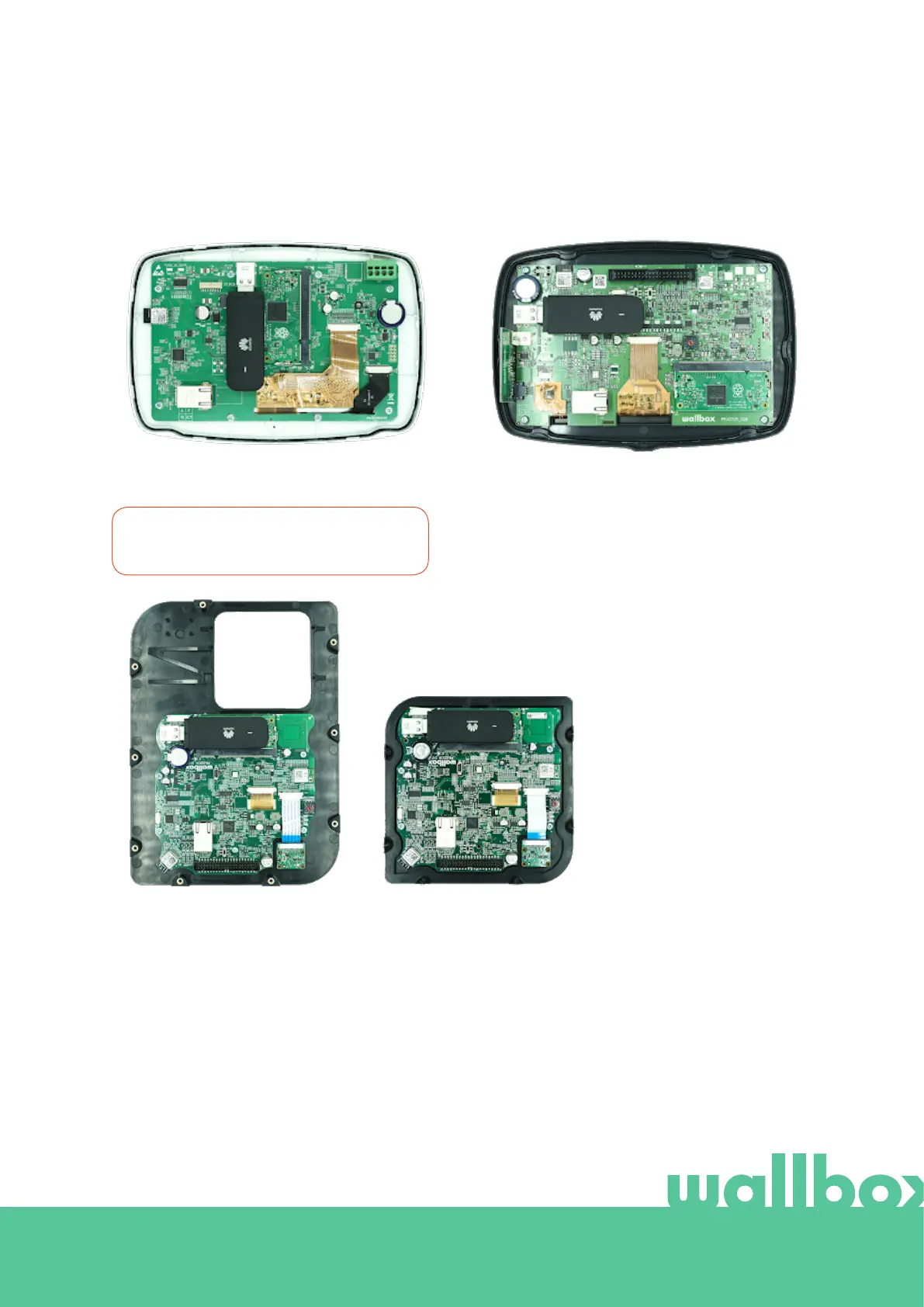
Connect the 3G/4G USB stick in the USB port
on the cover as shown in the figures below.
Commander cover with
3G/4G USB stick
Commander 2 cover with
3G/4G USB stick
Copper S/SB cover (left)
and Copper C cover (right)
with 3G/4G USB stick
In Commander, only WiFi USB stick or
3G/4G USB stick can be used at a time.
STEP 4
Connect the cover and close the charger as
described in its installation manual. Power on
the charger.



 To Next Page