8
Repeat the button press or hold the button down for continous
transmission.
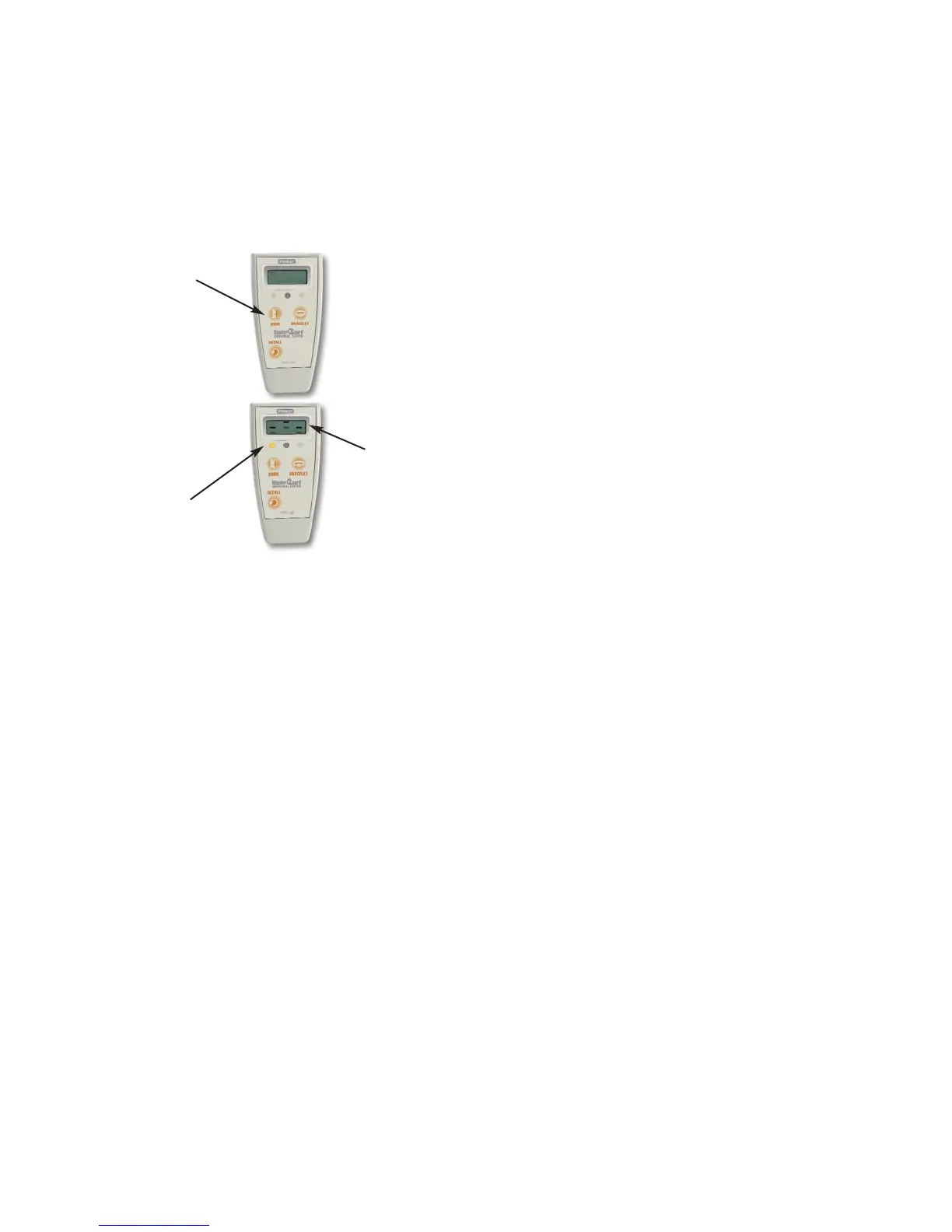
Testing Door Monitors
Using the Door Test Function
The Universal Tester will test all WanderGuard
®
door monitors except
the FirstQ
TM
series. Test door monitors at least weekly on each shift with
all surrounding power devices turned on to maximize possible
electromagnetic interference.
Press
button
The Amber LED
above the button will light.
The display
will animate
while the
button is
pressed.


 To Next Page