6
To test a WanderGuard
®
bracelet WITHOUT ID capability
(32000 Series):
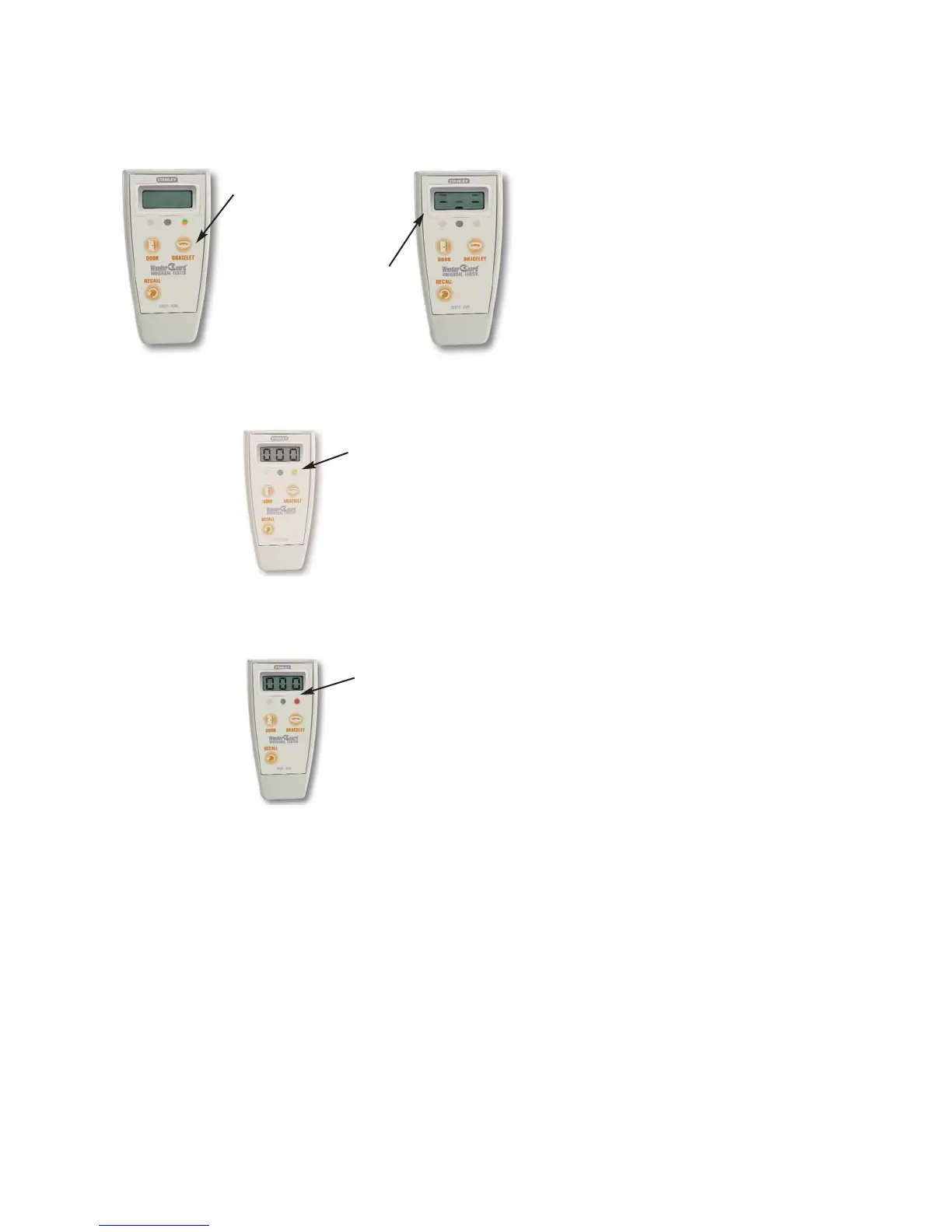
• Hold the Universal Tester within one foot of the bracelet.
• Press the BRACELET button once. The LED above the button will
light briefly.
• If the bracelet is detected, “000” will be displayed.
• If the bracelet is still operational, the LED will flash green 4 times.
• If the bracelet has reached the End-of-Service phase, “000” will be
displayed and the LED will be a steady red.
LED blinks
GREEN 4 times
LED is steady
RED
Press
button
The display will
animate until a
bracelet
is detected, or for
10
seconds.


 To Next Page