8
Button/
display
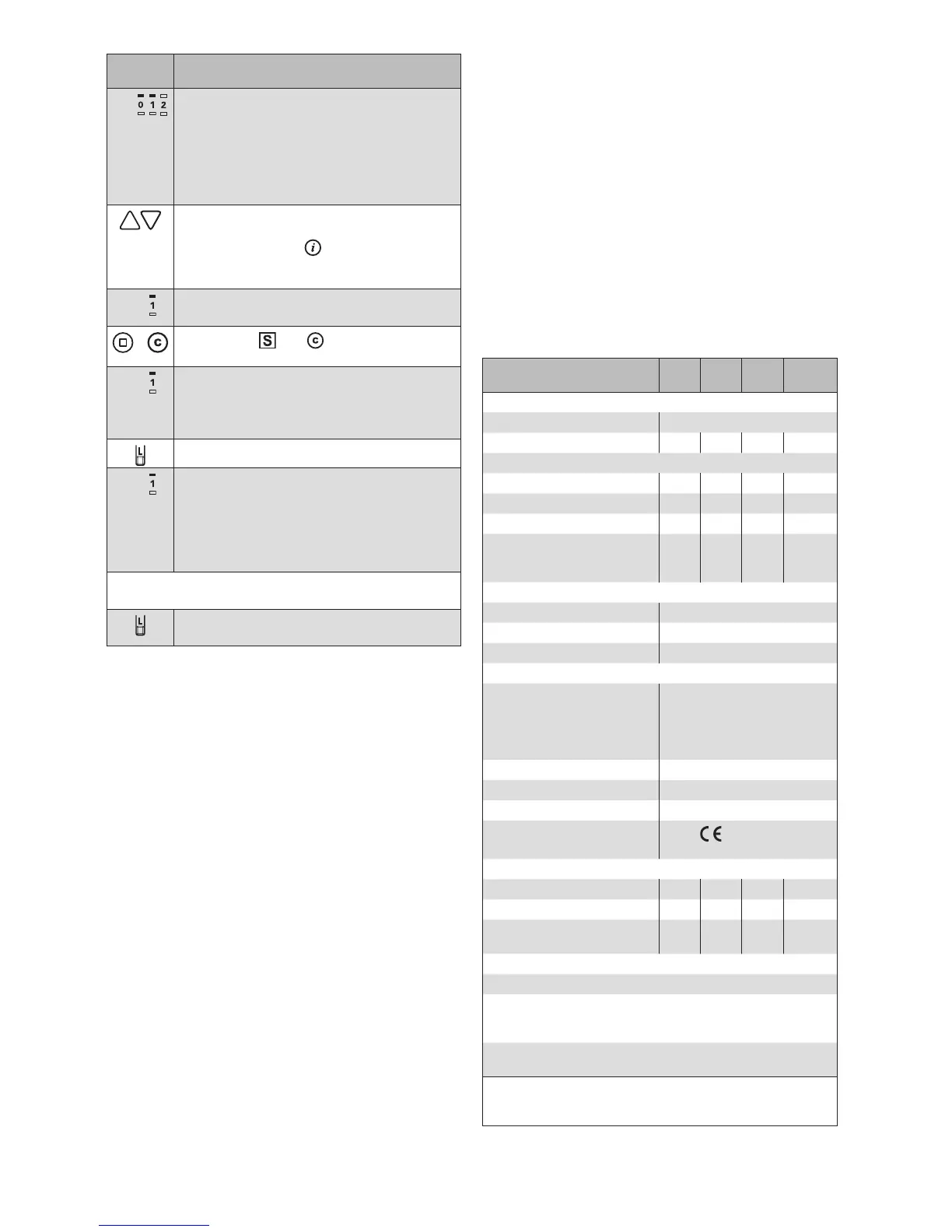
Action/result
E.g.
When the scanning procedure is complet-
ed, the located receivers are displayed in
the upper row of LEDs (here, for example,
2 receivers).
RED: New receiver
GREEN: The receiver belongs to the
network
Using the arrow keys, select the desired
receiver.
(You can use the button to check
which receiver is currently selected. The
product waves.)
E.g.
The LED of the selected receiver flashes
in green.
+
Press the and buttons simultane-
ously.
E.g.
The LED of the selected receiver flashes in
red. A running light runs through the lower
row of LEDS.
The selected receiver waves.
Press the learn button briefly
E.g.
The LED of the selected receiver flashes
in red. All product buttons to which the
deleted receiver could be reassigned light
up.
The receiver was deleted from the net-
work.
You can now delete additional scanned products in the
same manner:
Briefly press the learn button to leave the
learn mode.
OTEN When you delete a receiver from the network,
it can no longer be operated via other transmit-
ters. It must be relearned into a network.
Maintenance and cleaning
Replacing the batteries
Replace the batteries if the transmission LED lights up
yellow after the transmitter is activated. If the batteries are
fully depleted, the hand-held transmitter can no longer be
activated.
In order to replace the batteries (type AAA, IEC LR03,
"Micro"), open the battery compartment (Fig. 3) and in-
sert the new batteries. Ensure the correct polarity: The
plus (+) and minus (-) poles of the batteries must agree
with the marks in the battery compartment.
Only use new batteries of the same type and always
replace both batteries. Use high quality batteries -
inexpensive batteries can leak and damage the device.
If the device is not used for a longer period, please re-
move the batteries. Do not use rechargeable batteries.
Cleaning
Clean the housing with a microfibre cloth or a soft damp
cloth. Do not use detergents or cleaners, abrasive sub-
stances or steam cleaners.
Liability
Failure to comply with the product information in these
instructions and use of the unit in a manner that contra-
venes its intended use and purpose may result in the
manufacture refusing to honour warranty claims for prod-
uct damage. In this case, liability for consequential harm
to persons or damage to property will also be excluded.
Follow the instructions in the operating instructions of your
sun shading system. Liability is also excluded for damage
to the sun shading system resulting from operation under
icy conditions.
Disposal
After use, the device and the batteries must be disposed
of according to legal regulations or brought to your local
recycling centre.
Technical data
WAREMA Mobile System
WMS Hand-held transmitter
Min.
Typ. Max. Unit
Supply
Battery type 2 x AAA (IEC LR03, "Micro")
Supply voltage 2.4 3.0 3.2 V DC
RF transceiver
Transmission frequency 2.40 2.48 GHz
Transmission power 0 dBm
Reception sensitivity -95 dBm
Range
(environment without interfer-
ence)
30 m
Enclosure
Dimensions (L×W×H in mm) 200 × 50 × 20
Degree of protection IP30
Safety class III
Miscellaneous
Test standards
DIN EN 60950-1:2003-03
DIN EN 61000-6-2:2006-03
DIN EN 61000-6-3:2005-06
(Corr.2005-11)
DIN EN 300328 V1.7.1.(2006-10)
Automatic operation Type 1
Software class A
Location of use Clean ambient conditions
Conformity
Viewable under www.
warema.de
Ambient conditions
Operating temperature -20 20 50 °C
Storage temperature -25 70 °C
Rel. humidity
(non-condensing)
10 40 85 %RH
Article numbers
WMS Hand-held transmitter 1002 767
WMS Plug receiver and WMS
Hand-held transmitter
(not learned into each other)
1002 771
Wall holder/table stand
for WMS Hand-held transmitter
1002 768
WAREMA Renkhoff SE
Hans-Wilhelm-Renkhoff-Straße 2
D-97828 Marktheidenfeld


 To Previous Page
 Loading...






