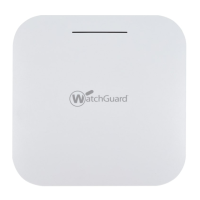
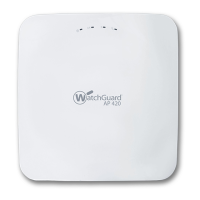
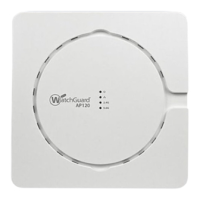
6 WatchGuard AP320
Hardware Specifications
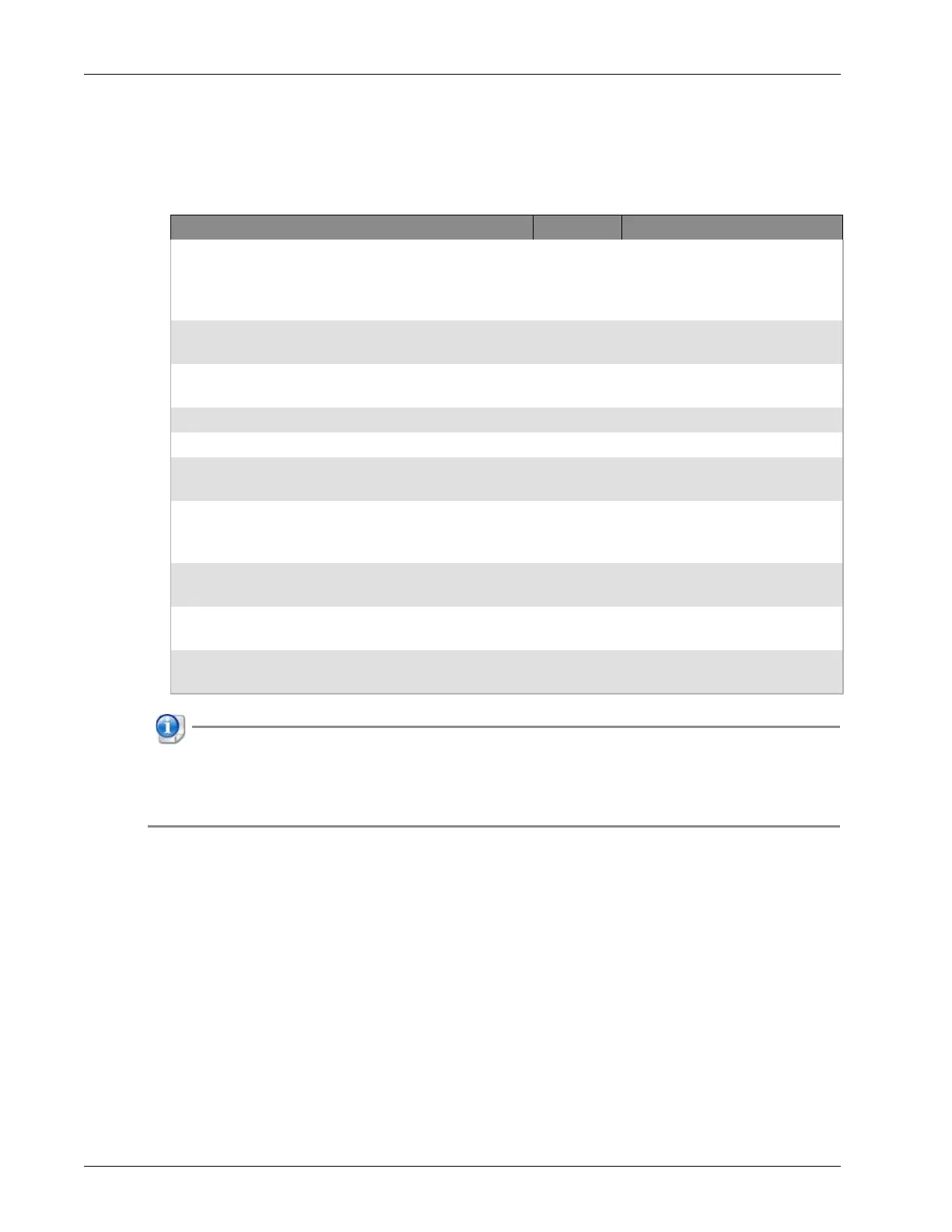
Device Indicators in WIPS Mode
These indicators are active when the AP device is set to dedicated WIPS (Wireless Intrusion Prevention System)
mode. For more information about WIPS mode, see the WatchGuard Wi-Fi Cloud help.
If the Ethernet connection for an AP320 device drops down to 10/100 Mbps, the amber indicator for
LAN1 will flash while the green indicator for LAN1 remains in its original state. The amber indicator
for LAN1 may continue to flash even if the Ethernet connection switches back to 10/1000 Mbps
mode. These indicators return to normal operation after you restart the AP device.
Power LAN1 LAN2 2.4 GHz 5 GHz Description
Solid green Solid green On/Off Solid
green
Solid
green
Powered on and operating
correctly. Connected to
WatchGuard Wi-Fi cloud
services.
Solid green Solid green On/Off Solid
green
Fast flash Troubleshooting in progress on
802.11a/b/g/n.
Solid green Solid green On/Off Solid
green
Slow flash Intrusion prevention in
progress on 802.11a/n/ac.
Solid green Slow flash On/Off Slow flash Off Software upgrade in process.
Solid amber Solid green On/Off Any Any No Ethernet link.
Solid amber Fast flash On/Off Any Any Did not receive a valid IP
address from DHCP.
Solid amber Slow flash On/Off Any Any C annot connect to
WatchGuard Wi-Fi Cloud
services.
Solid amber Any On/Off Solid
Green
Any Error on 802.11a/b/g/n
interfaces.
Solid amber Any On/Off Any Solid
green
Sensor software error.
Off Off Off Off Off Not powered on or in startup
process.


 To Next Page