Hardware Guide 5
Hardware Specifications
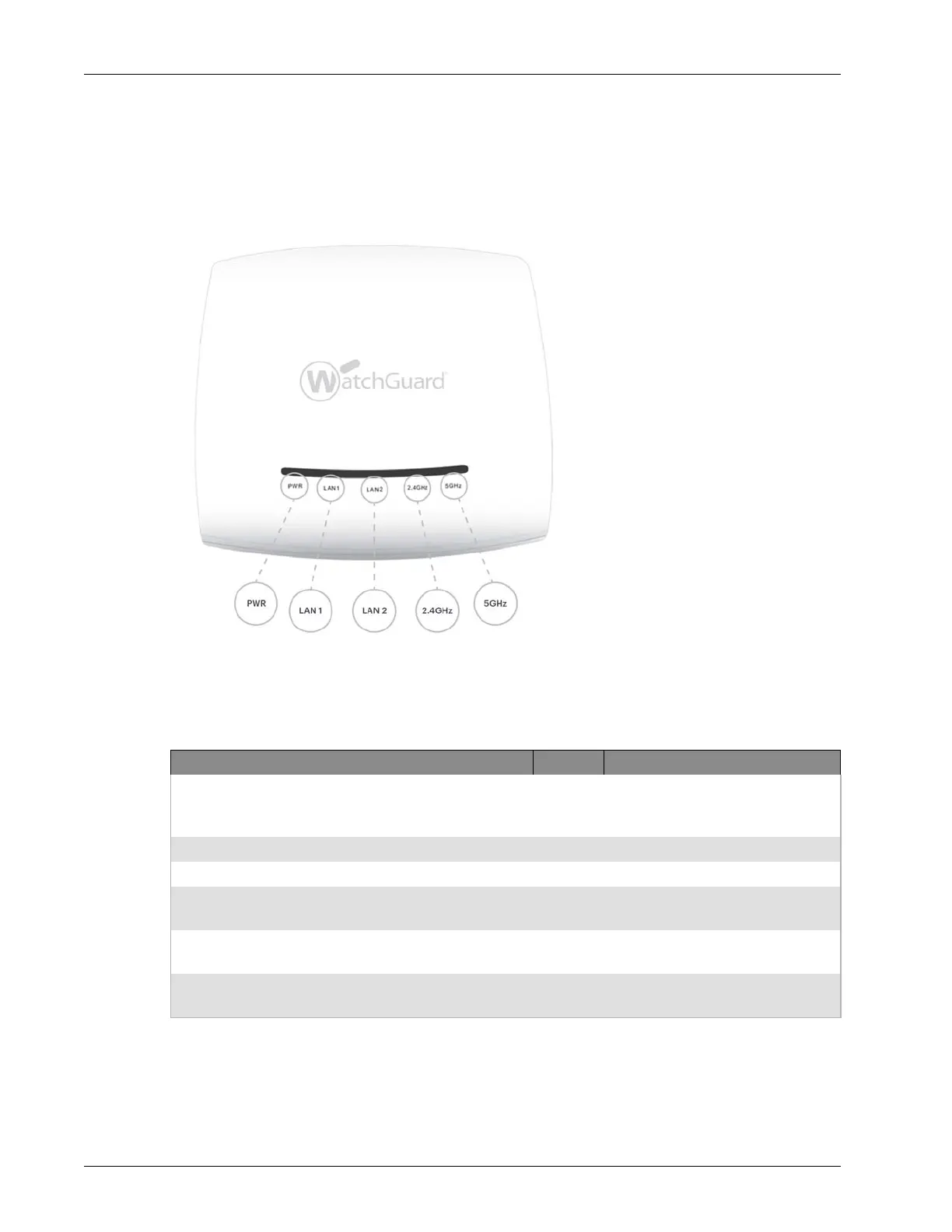
Device Indicators
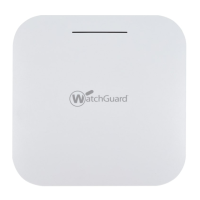
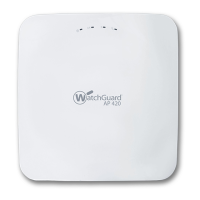
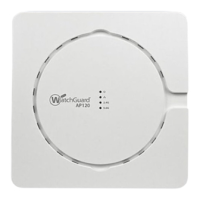
The front of the AP device has these status indicators
Device Indicators in AP Mode
Power LAN1 LAN2 2.4 GHz 5 GHz Description
Solid green Solid green On/Off Any Any Powered on and operating
correctly. Connected to
WatchGuard Wi-Fi Cloud services.
Solid green Slow flash On/Off Slow flash Any Software upgrade in progress.
Solid amber Solid green On/Off Any Any No Ethernet link.
Solid amber Fast flash On/Off Any Any Did not receive a valid IP address
from DHCP.
Solid amber Slow flash On/Off Any Any Cannot connect to WatchGuard
Wi-Fi Cloud services.
Off Off Off Off Off Not powered on or in startup
process.


 To Next Page