Hardware Guide 9
Hardware Specifications
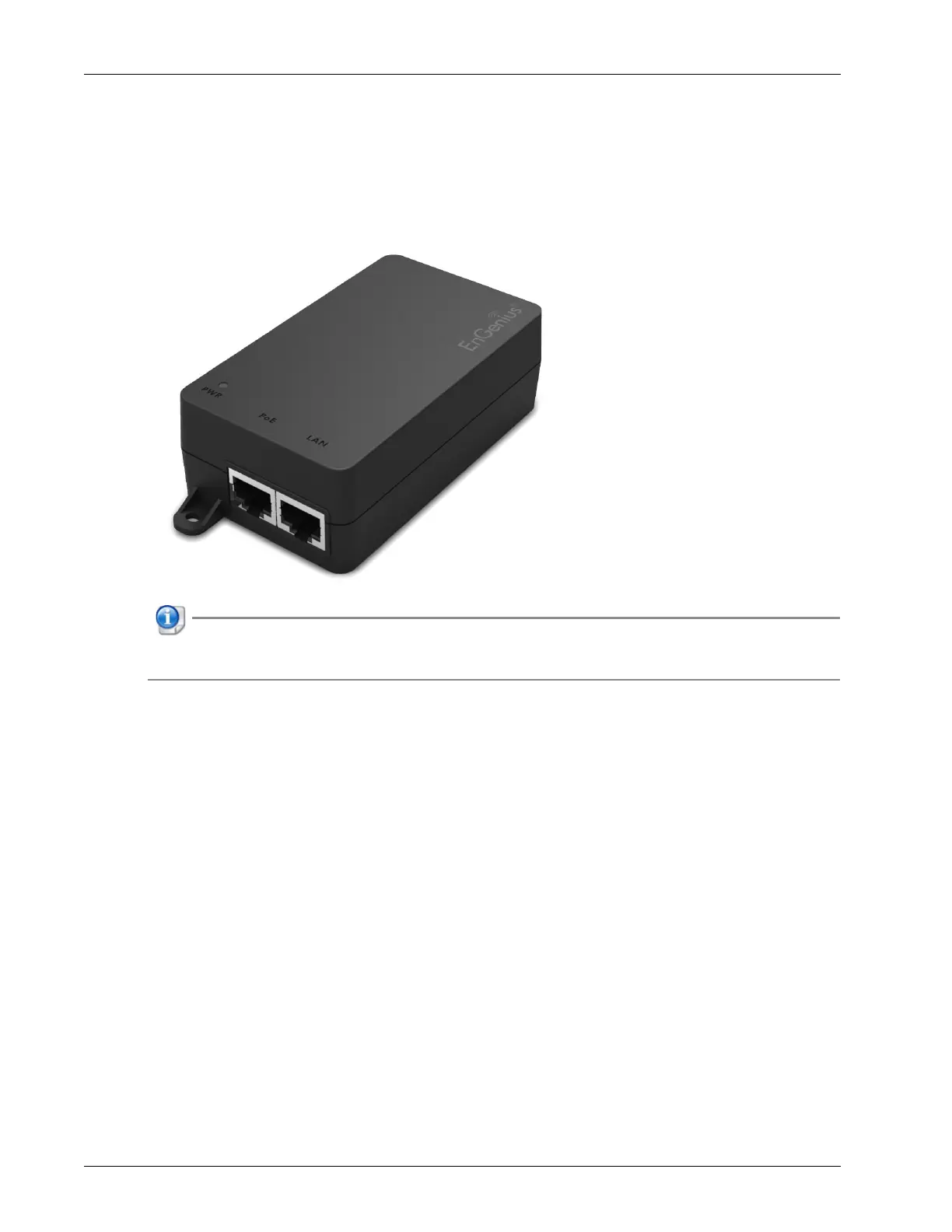
Ethernet Power Injector (Optional)
You can power the WatchGuard AP with an optional Ethernet Power Injector. This PoE+ capable device allows
you to power the WatchGuard AP through an existing Ethernet connection. With this feature, you do not have
to position your WatchGuard AP near a power outlet.
This device complies with IEEE 802.3at/af PoE specifications. Do not use any PoE adapters that are not
IEEE 802.3at/af compliant as they may damage your device.
Connect the Ethernet Power Injector
To connect an Ethernet Power Injector to the WatchGuard AP:
1. Plug the Ethernet Power Injector into an AC power source.
2. Connect an Ethernet cable from your network backbone (for example, PoE+ capable router, switch, or
hub) to the LAN connector on the Ethernet Power Injector.
3. Connect an Ethernet cable from the LAN1 PoE+ interface on the AP to the PoE connector on the
Ethernet Power Injector.


 To Next Page